









Related Products


You may also like

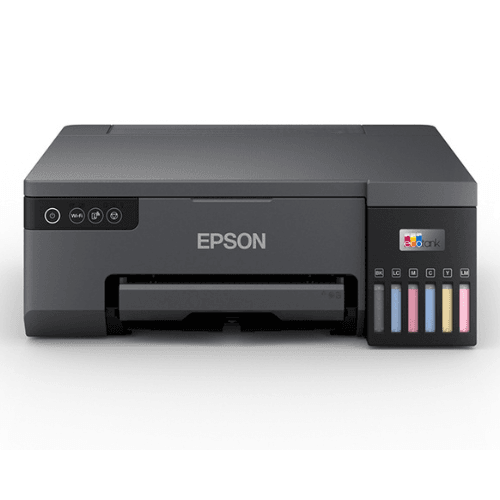
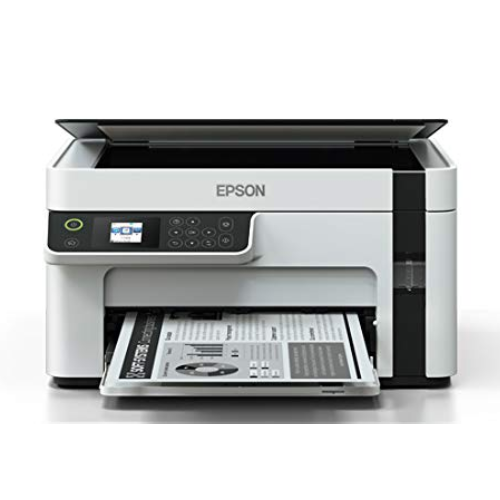
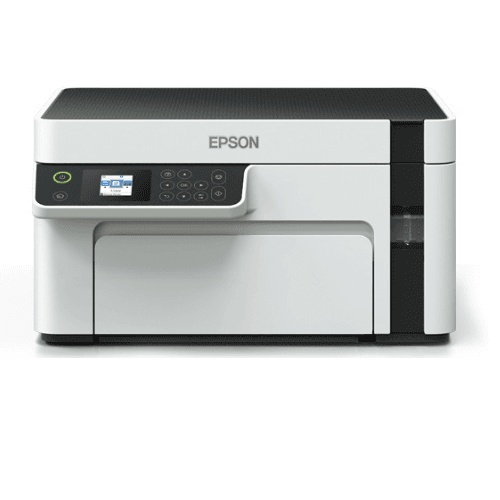
Epson Eco Tank M1050 InkTank Printer Single Function WiFi Monochrome Inkjet Printer
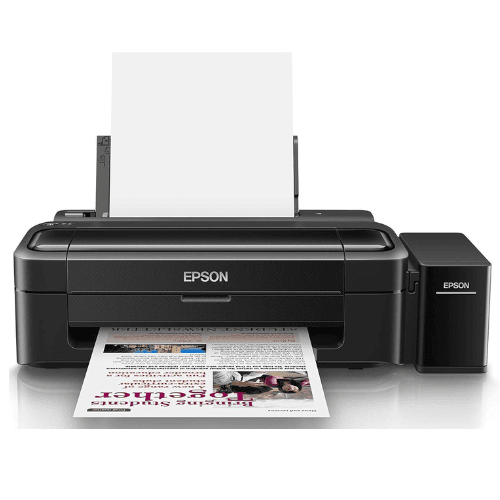
Epson Ecotank L130 Single Function Wired Colour Home Inkjet Printers, Black
Epson EcoTank L15150 A3 Black Wi-Fi All-in-One Colour Ink Tank Photo Copier Machine Printer with ADF & Duplex
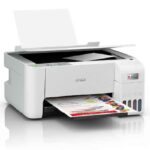
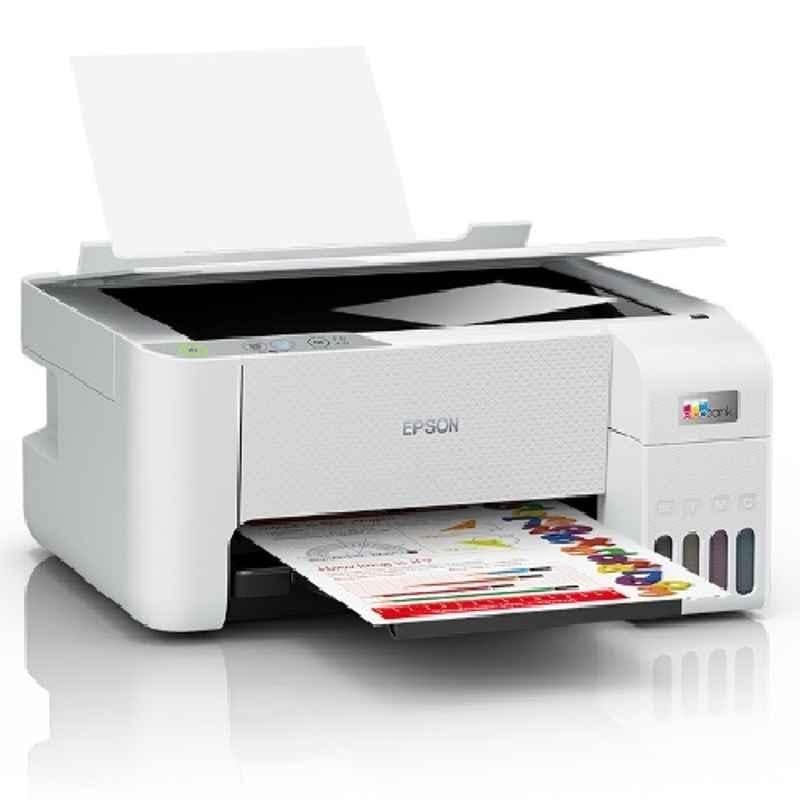
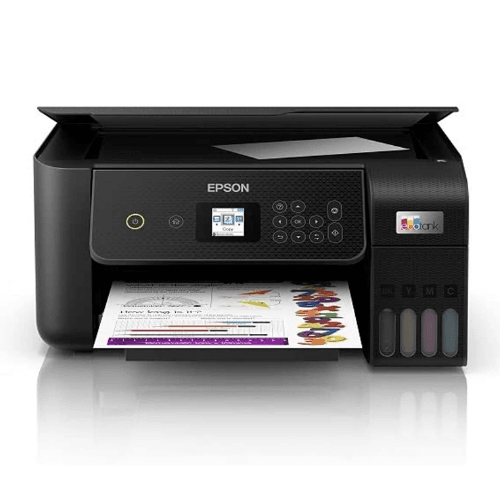
Epson EcoTank L3216 All-In-One Colour Ink Tank Printer with USB Connectivity
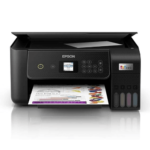
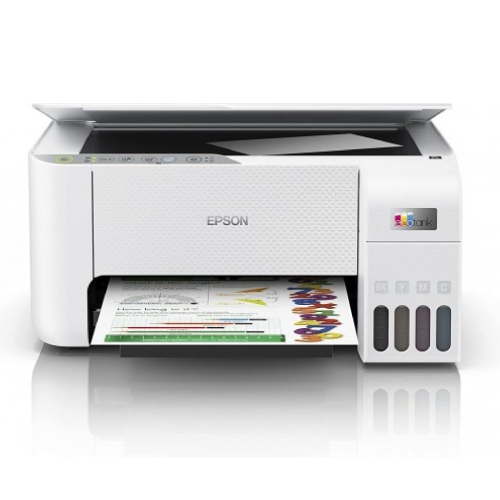
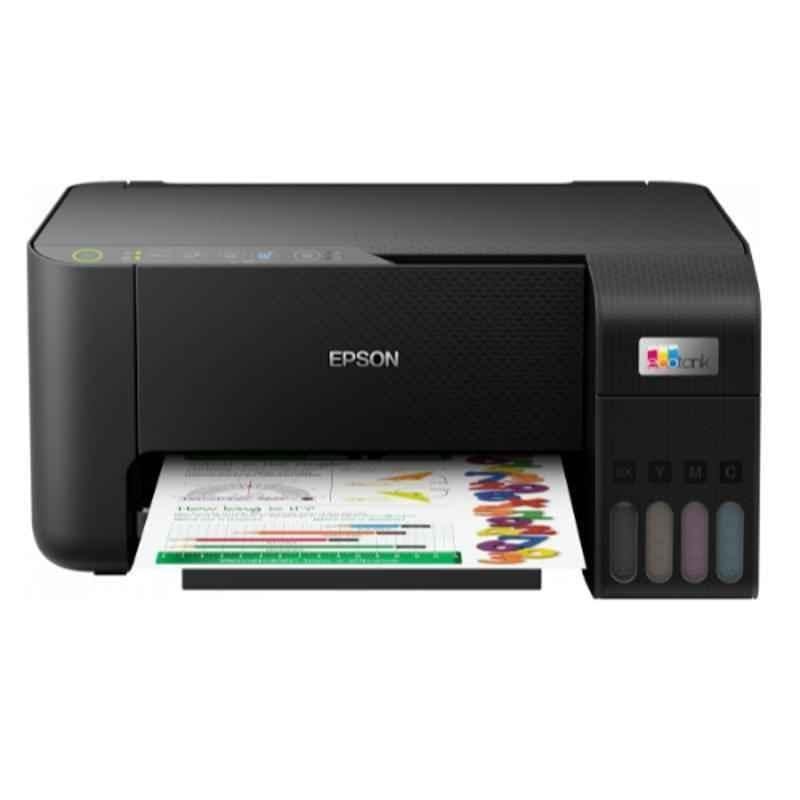
Epson Ecotank L3260 A4 Wi-Fi All-in-One Wireless Colour Solid Ink Printers, Black
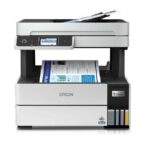
Epson Ecotank L6490 White A4 Wi-Fi All-in-One Colour Ink Tank Printer with ADF & Duplex
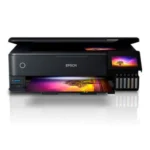
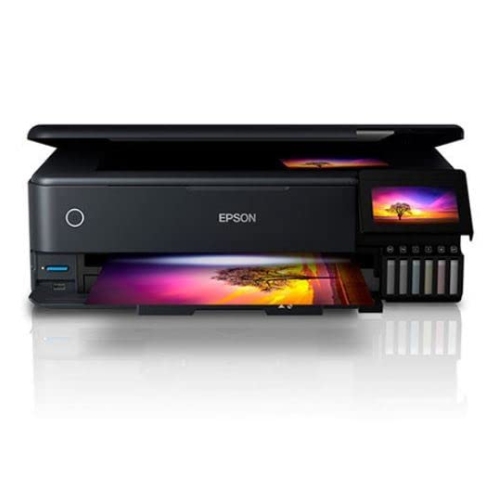
Epson Ecotank L8180 Multifunction Wired A3+ Inktank Photo Colour Home Inkjet Printers,Black
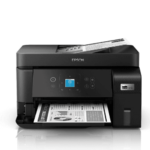
Epson EcoTank M2050 InkTank Multifunction Printer
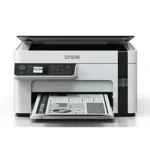
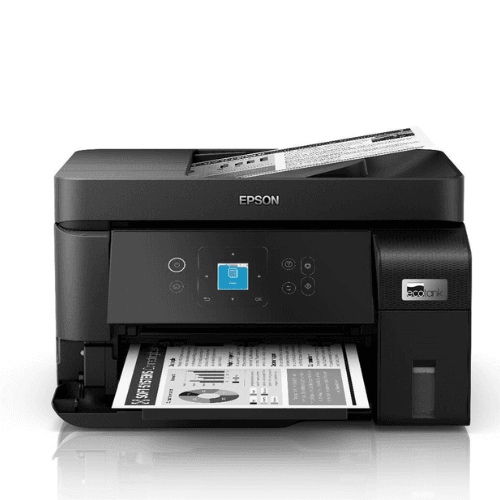
Epson EcoTank Monochrome M2120 All-in-One InkTank WiFi Printer
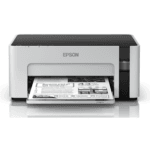
Epson M1100 EcoTank Monochrome InkTank Printer
Epson M1170 EcoTank Wireless Monochrome Printer
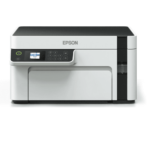
Epson M2110 Monochrome All-in-One InkTank Printer, Black, Medium


| Brands | Canon printers Canon PIXMA Canon imageCLASS Canon MAXIFY Canon photo printers Buy Canon printers online Canon laser printers Canon accessories Best Canon printer deals Canon cameras and camcorders |
|---|---|
| Color |
Black |
| Connectivity | , |
| Paper Size |
A4 |
| Printer Features | |
| Printer Functionality |
Print, Copy, Scan (3-In-1 Multi Function) |
| printer Technology | |
| Printer Type | |
| Products by Type |
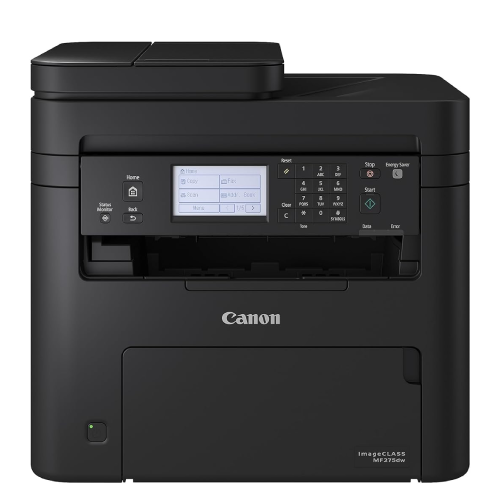
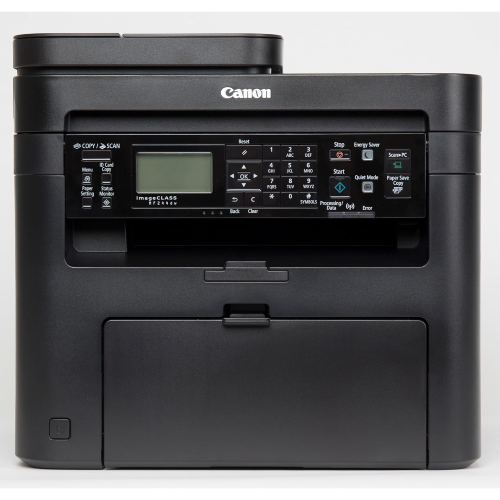
8 reviews for Canon MF244DW Digital Multifunction Laser Printer, Black, Standard Online at Low Prices in India | Canon Reviews & Ratings
Clear filtersShop genuine Canon products online at Digitechshop, India’s trusted destination for inkjet printers, laser printers, multifunction printers, ink bottles, toner cartridges, documents scanners, and camera accessories. Canon is a globally leading brand known for its high-quality printing, imaging technology, durability, and advanced features.
From home printers to office multifunction machines and commercial printing devices, Canon offers reliable performance and outstanding print clarity. At Digitechshop, you get 100% original Canon products with manufacturer warranty, best-price offers, expert support, and fast delivery across India.
Whether you are a student, business owner, office user, or photography enthusiast, Canon delivers professional-grade solutions for all printing and imaging needs.
| Brand Name | Canon |
|---|---|
| Model Name | MF244DW |
| Model Number | MF244DW |
| Box Contents | Machine with Toner Cartridge, Setup CD, USB cable, Power cable, and Getting Started Guide |
| Model Series | MF |
| Importer Contact Information | Canon India Pvt Limited, 214–218, 2nd Floor, Narain Manzil, Barakhamba Road, Connaught Place, New Delhi – 110001, India |
| Item Type Name | Laser Printer |
| Item Height | 36 Centimeters |
| Manufacturer | Canon (For product queries, contact Canon brand customer care: 1800 180 3366 / 1800 208 3366, Timings: 8:30am–5:30pm) |
| Manufacturer Contact Information | For product queries, contact Canon brand customer care: 1800 180 3366 / 1800 208 3366, Timings: 8:30am–5:30pm |








MilindMilind –
Strong Multi Function Printer for Office use
Purchased from Appario Business.History – On the onset let me tell you all, this is my second Canon Printer. Previously used Canon LBP2900B and Canon Lide 100 scanner. This combination used for around 10 years and the scanner conked. The printer still works.Requirements – Wanted a multi functional setup with Dual side printing, auto document feed, photo copy and LAN & / WiFi. Looking into many other companies like HP, Epson, Brother finally decided to go with Canon. Previous experience got the brand loyalty of me.Overall – The printer has USB, LAN and WiFi connections for printing and scanning. There is a graphic LCD display on the front side panel which can be tilted upwards for better visibility. It has fair number of key(s) with specific and general functionality. It can do photo copying also. This feature is really quick and good. Top side is the flat bed scanner and document feeder. Two trays for paper at the bottom. It can also directly print from mobile phones. A lot of network related features.Printer – Good print quality with dual side print and various other paper saving print programs. Booklet, envelope printing and other document functionality also present, not tested them yet. The print software in Windows has all the control features.Scanner – The flat bed scanner has good resolution and also there is some software enhancement for the scanner.It gives good results. ADF system feeds the documents one by one, it is good to scan multiple pages in a stack.It can scan ID card both faces on to the same page.Connectivity – USB, LAN, WiFi. Connect your laptop through USB, LAN or WiFi. Print/Scan directly from mobile phones without laptop.Windows – All features of the printer can be used in Windows 10 with the provided software.Linux (Ubuntu 18.04) – Printing and Scanning possible with a little effort. Not all features tried.Android – Printing and Scanning possible with a little effort. Not all features tried. Canon Print Service app, Mopria Print, Mopria Scan required.Mac – not testediPhone – not testedThe device comes with a power cable, USB cable, software CD, toner cartridge and user manuals.Note: The software in the CD is a bit old, it does not work on Win 10, need to download the latest from website.The best features -Dual side printing, it saves time and paper.ID card both faces scanned on the same page. ADF for scanning.Photocopy without PC/laptopMobile phone direct print and scan feature, save a lot of time, no PC/laptop required.The hurdles -Software for Windows on the CD is old, need to download from website.Configuring the LAN and WiFi is a bit tricky.All features are not available / tricky for Linux.Scope for improvement -Better feature support and Control Applications for Linux.
18 people found this helpful
Sjangid –
Best all in one printer which it used
Great product as im using it after selling my Hp printer. It is far better than HP all in printer
Swaraj Industries –
Good product but disappointed by seller
The product seems to be very good features wise and value for money but it was very disappointing that the booklet ‘ quick start guide’ was missing in the box. Amazon support asked me to contact canon support and canon support asked me to contact Amazon. But no one assured to send this minor thing by post. It’s strange to find such things missing in a new product and raises doubts.
One person found this helpful
Placeholder –
Wrong Product and Cheating
adf feature is awesome for photocopy and scanning. Best for small business purpose. I run a shop Ambika All Computer Solutions in Etah. I am very satisfied. ID Card Copy is also a good feature. ThanksNow I am writing this review after a long time when I faced the warranty issue. The seller has sent the other printer and sent the bill of the other printer. The serial number on printer and bill are different. That is why i am facing issue in warranty of product. This is cheating, the seller has cheated with me.
4 people found this helpful
Rajiv Bajaj –
Excellent printer
This is an excellent printer that prints on both sides of the page which was my main requirement. The front led panel is also excellent and I could assign the wireless ssid, password and ip address to it easily using the buttons on the printer. Printing and scanning to this wirelessly is a breeze. The only negative I see is that when I am using A4 size paper and the person sending me the document has incorrectly selected page size letter, then this printer gives an error printing on the back of the page. So before printing on two sides I need to manually go and check the paper size and change it to A4. I have not had paper jams but I have seen youtube videos which say that you have to remove screws behind the printer to remove the jammed paper. In my older hp I just had to pull out the cartridge and remove the jammed paper. Overall I am very happy with this printer, I would highly recommend it. It is a bit on the heavy side though as compared to my older HP multifunction printer.
9 people found this helpful
anush –
Buy it forget it
Using this for past 4 years, works like a charm.it has all basic functions of a professional office printer, the feeder can only scan one side of paper. Thats a bit of double task if you have lot of pages to scan but at this price its best.
One person found this helpful
Vellat Sasi Kumar –
A printer that works – as promised
In a day and age where colour printers are very cheap, I went for a laser printer for my WFH purposes. The printer came as promised, in a double packaging. I opened it and set it up. It worked using the USB without any problems but I did find the wifi option not easy to set up. Followed the instructions in the manual, still no luck. Finally, I called Canon and the person came the same day. He took 5 minutes to set it up and it is working fine. It is a joy to be able to print without attaching cables. Four of us work from home therefore this is a great option and additionally, I can print from my mobile also. However, it takes two apps to do it. That is a total pain. Plus if Canon can make the wifi setup manageable by non IT persons, then it would be amazing.
4 people found this helpful
V H Desai –
BEST MF PRINTER IN THIS RANGE
I’ve purchased MF244DW from Computronics Multivision P Ltd.Mumbai through Amazon on 13/09/2021.Self installed. Tested everything good, except I couldn’t scan in wireless mode. So on 17/09/2021, I e-mailed Canon Support and the dealer and called the dealer. The dealer’s support staff fixed the problem using my laptop with remote software within 10 minutes. The e-mail from Canon Customer Support arrived in 5 minutes.Now I can use all the functions of the printer in wireless mode.Many thanks to Canon and Computer Electronics Multivision Pvt Ltd. (Dealer).There service is as GREAT as their products.I will recommend it to everybody.
3 people found this helpful