













You may also like
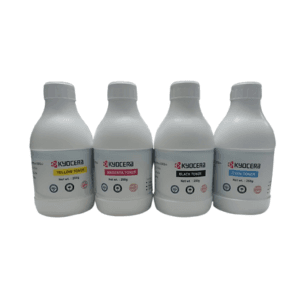
(Combo)Kyocera Cyan, Magenta, yellow, Black toner 250gm for use in TASKalfa 2552ci-3252ci-4052ci-5052ci-6052ci TASKalfa 2553ci
| Weight | 250 kg |
|---|---|
| Brands | Kyocera printers Kyocera ECOSYS Kyocera TASKalfa Kyocera multifunction devices Buy Kyocera printers online Kyocera document management Kyocera office printers Best Kyocera printer deals Kyocera eco-friendly printers Kyocera copier solutions |
| Color |
Black ,magenta ,Silver ,Yellow |

006R01514 Toner Cartridge – Yellow for XEROX WorkCentre 7525 7530 7535 7545 7556 7830 7835 7845 7855 7970 (110V)
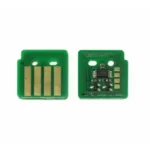
013R00686 / CT351179 Drum Chip Compatible with Xerox AltaLink B8145, B8155, B8170 – 200K Yield
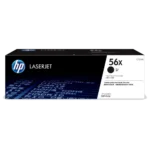
56X HP CF256X Original Toner Cartridge For Hp M436n, M436NDA Printer Copier Machine
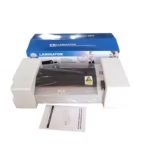
A3 Multifunction Hot & Cold Laminator 320
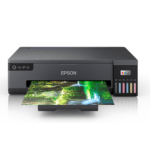
A3+ Borderless EcoTank L18050 | 6 Color Printer | 3D PRINTER | (with ORIGINAL INK) | 2023 MODEL
| Weight | 6 kg |
|---|---|
| Dimensions | 63.1 × 48.29 × 23.4 cm |
| Brands | Epson printers Epson EcoTank Epson L-series printers Epson Workforce Buy Epson printers online Epson inkjet printers Epson accessories Best Epson printer deals Epson projectors Epson photo printers |
| Color |
Black |
| Connectivity | |
| Paper Size |
A3+ |
| Printer Functionality |
Print Only (Single Function) |
| printer Technology | |
| Printer Type | |
| Products by Type |
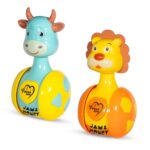
Amazon Brand – Jam & Honey Baby Rattle Tumbler Set of 2 I Best Learning Toy Pushing Or Holding Toys | Baby Development Toys Amazon.in: Toys & Games
| Style Name |
Bath & Squeeze Toy ,Jumping Toy ,Toddler Toy ,Glow Ball ,Pool Balls |
|---|---|
| Colour |
Bear ,Teddy – Pink ,Blue ,Jumping Giraffe ,Sea Creatures – 10pcs ,Rings & Shapes ,Glow Ball – 6pcs (Assorted) ,Farm Animals – 10pcs ,Pool balls – pastel colour – 150pcs ,Rattle Set – Cow ,Lion ,Assorted – 8 pcs ,Bubbles Wand ,Peppa Pig Hop Ball ,100pcs ,150pcs ,Ramp race car ,Pool balls – pastel colour – 100pcs ,Hop ball ,Crawling Crab ,50pcs ,Jungle Animals – 10pcs ,Bear ,Teddy – Green ,Yellow ,Fruits – 10pcs ,Swirling balls ,Glow Ball – 1pc ,Joy Box (Ramp race ,Stacking cups) ,Assorted – 13 pcs ,Little Pony Hop Ball |
| Brand |
Amazon Brand – Jam & Honey |
| Toy Figure Type |
Play Figure |
| character |
animal toys |
| Model Name |
CE335-2 |
| Model Number |
CE335-2 |
| Country of Origin |
India |
| Customer Reviews |
4.2 4.2 out of 5 stars (3,642) var dpAcrHasRegisteredArcLinkClickAction; 0) + 1); P.when('A', 'cf').execute(function(A) { 0) + 1); 4.2 out of 5 stars |
| Best Sellers Rank |
#106 in Toys & Games (See Top 100 in Toys & Games) #29 in Baby Rattles & Plush Rings |
| Item Type Name |
BABY RATTLE TUMBLER |
| Included Components |
2 tumbler set |
| Item Height |
14 Centimeters |
| Manufacturer |
CIRCLE E RETAIL PVT. LTD. PLOT NO. 42-43, SECTOR- 53, PHASE-V, HSIIDC, INDUSTRIAL ESTATE, KUNDLI, SONIPAT, HARYANA- 131028, CUSOMER CARE- 9350072565, customercare@quixotmultimedia.com, CIRCLE E RETAIL PVT. LTD. PLOT NO. 42-43, SECTOR- 53, PHASE-V, HSIIDC, SONIPAT, HARYANA- 131028 |
| Manufacturer Contact Information |
CIRCLE E RETAIL PVT. LTD. PLOT NO. 42-43, SECTOR- 53, PHASE-V, HSIIDC, INDUSTRIAL ESTATE, KUNDLI, SONIPAT, HARYANA- 131028, CUSOMER CARE- 9350072565, customercare@quixotmultimedia.com |
| Packer Contact Information |
CIRCLE E RETAIL PVT. LTD. PLOT NO 42-43 , SECTOR- 53, PHASE-V, HSIIDC, INDUSTRIAL ESTATE, KUNDLI, SONIPAT, HARYANA- 131028, CUSTOMER CARE- 9350072565, customercare@quixotmultimedia.com |
| Animal Theme |
cow, lion |
| Theme |
Action |
| Collection Name |
Jam & Honey |
| Are Batteries Required |
No |
| Is Autographed |
No |
| Play Activity Location |
Tabletop |
| Material |
Plastic |
| Outer Material Type |
Plastic |
| Item Weight |
353 Grams |
| Number Of Pieces |
2 |
| Size |
One Size |
| Is Assembly Required |
No |
| Manufacturer recommended age |
8 months – 14 years |
| Feature |
Lightweight & Easy to Handle: Perfectly sized for little hands, making it easy for toddlers to hold, shake, and play with independently. |
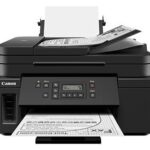
Amazon.in Buy Canon PIXMA MegaTank GM4070 All in One (Print, Scan, Copy) Inktank Monochrome Printer (Black 6000 Prints) with ADF and Auto Duplex Printing (Print Speed- Black 13.0 ipm) Online at Low Prices in India | Canon Reviews & Ratings
| Printer Type |
Ink Tank |
|---|---|
| Other Special Features of the Product |
Wireless |
| Printer Output Type |
Monochrome |
| Item Dimensions D x W x H |
36.9D x 40.3W x 23.4H Centimeters |
| Controller Type |
Push Button |
| Printing Media Type |
Envelopes, Paper (plain) |
| Scanner Type |
Flatbed |
| Warranty Type |
Limited |
| Ink Color |
Black |
| Resolution |
600 x 1200 DPI |
| Additional Printer Functions |
All In One |
| Control Method |
Touch |
| Compatible Cartridge |
Gi70BK |
| Color Pages per Minute |
13 |
| B&W Pages per Minute |
13 |
| Printer MediaSize Maximum |
A4 |
| Maximum Sheet Capacity |
100 |
| Paper Size |
A4 |
| Network Connectivity Technology |
Wi-Fi |
| Hardware Interface |
Ethernet |
| Dual-sided printing |
Yes |
| Duplex |
Automatic |
| Brand Name |
Canon |
| Model Number |
GM4070 |
| Box Contents |
Printer, Power cord, unit of GI70 black ink bottle, Installation CD, User manual |
| Model Series |
PIXMA |
| Best Sellers Rank |
#23,605 in Computers & Accessories (See Top 100 in Computers & Accessories) #71 in Inkjet Printers |
| Importer Contact Information |
Canon India Pvt Limited.214-218, 2nd floor, Narain Manzil, Barakhamba Road, Connaught Place, New Delhi-110001, India |
| Item Type Name |
Multifunction Printer |
| Item Height |
23.4 Centimeters |
| Manufacturer |
Canon, Canon Inc., 3-30-2, Shimomaruko, Ohta-ku, Tokyo 146-8501, Japan |
| Manufacturer Contact Information |
Canon Inc., 3-30-2, Shimomaruko, Ohta-ku, Tokyo 146-8501, Japan |
| Packer Contact Information |
Canon Inc., 3-30-2, Shimomaruko, Ohta-ku, Tokyo 146-8501, Japan |
| Unit Count |
1 Count |
| Warranty Description |
1 year or 30000 prints, whichever is earlier from the date of purchase- On-site warranty. Free one time installation support-Eligible |
| Max PrintSpeed BlackWhite |
600×1200 dpi |
| Is Electric |
Yes |
| Brand |
Canon |
| Connectivity Technology |
Wi-Fi |
| Printing Technology |
Ink Tank |
| Special Feature |
Wireless |
| Colour |
Black |
| Model Name |
PIXMA |
| Printer Output |
Monochrome |
| Maximum Print Speed (Colour) |
13 |
| Max Print speed Monochrome |
13 |
| Item Weight |
9.2 Kilograms |
| Feature |
Special Features: Optional Color printing, Borderless Printing, High volume printing; Ideal Usage: Home, Home Office ; Included Components: Printer, Power Cord, USB cable, Instruction Manual, 1 bottle of GI 70 Black Ink |
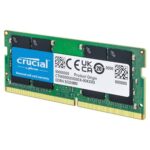
Amazon.in Buy Crucial RAM 8GB DDR4 3200MHz CL22 (or 2933MHz or 2666MHz) Laptop Memory CT8G4SFRA32A Online at Low Prices in India | Crucial Reviews & Ratings
| Size |
16GB ,8GB ,32GB Kit (16GBx2) Dual Rank ,16GB Dual Rank ,8GB Single Rank ,8GB Kit (4GBx2) ,16GB Kit (8GBx2) Dual Rank ,16GB Kit (8GBx2) Single Rank |
|---|---|
| Style Name |
3200 MT/s ,2400 MT/s ,2666 MT/s ,2400MHz ,2666MHz |
| Pattern Name |
Memory 16GB ,8GB DDR4 ,Single ,Memory |
| RAM Memory Technology |
DDR4 |
| Memory Speed |
3200 MHz |
| Compatible Devices |
Laptop |
| Product Features |
Fast Performance |
| Voltage |
1.2 Volts |
| Column Address Strobe Latency |
CL22 |
| Form Factor |
SO-DIMM |
| ProcessorSpeed |
3200 MHz |
| Number Of Pins |
260 |
| RAM Size |
8 GB |
| Brand Name |
Crucial |
| Model Name |
Crucial Memory |
| UPC |
649528903525 |
| Manufacturer |
Crucial, Crucial |
| Global Trade Identification Number |
00649528903525 |
| Customer Reviews |
4.5 4.5 out of 5 stars (92,104) var dpAcrHasRegisteredArcLinkClickAction; 0) + 1); P.when('A', 'cf').execute(function(A) { 0) + 1); 4.5 out of 5 stars |
| Best Sellers Rank |
#4,710 in Electronics (See Top 100 in Electronics) #6 in Memory |
| Importer Contact Information |
M/s Rashi Peripherals Pvt. Ltd.Ariisto House, 5th Floor,Telli Gali, Andheri (East),Mumbai – 400069 |
| Item Type Name |
DDR4 DRAM Memory |
| Box Contents |
DDR4 |
| Item Height |
1.1 Inches |
| Item Weight |
0.02 Pounds |
| Manufacturer Contact Information |
Crucial |
| Packer Contact Information |
MICRON CONSUMER PRODUCTS GROUP(SINGAPORE)A DIVISION OF MICRON SEMICONDUCTOR ASIA OPERATIONSPTE. LTD.1 NORTH COAST DRIVE,SINGAPORE 757432 |
| Unit Count |
9.07 Grams |
| Warranty Description |
10 years |
| Feature |
Install with ease; no computer skills required How-to guides available at Crucial |

Arctic Fox ProMaxe Wireless Mouse | 2400 DPI |2.4 GHz with USB Nano Receiver | High Precision Optical Tracking| for PC/Mac/Laptop – Black Jet
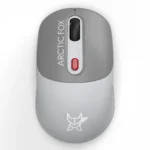
Arctic Fox ProMaxe Wireless Mouse | 2400 DPI |2.4 GHz with USB Nano Receiver | High Precision Optical Tracking| for PC/Mac/Laptop – Cool Gray
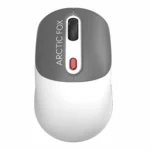
Arctic Fox ProMaxe Wireless Mouse | 2400 DPI |2.4 GHz with USB Nano Receiver | High Precision Optical Tracking| for PC/Mac/Laptop – Star White







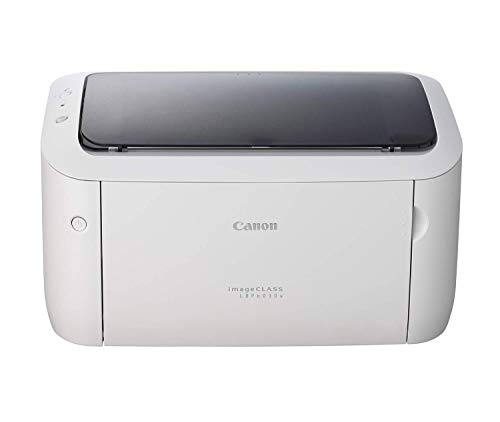
| Pattern Name |
Printer |
|---|---|
| Printer Type |
Laser |
| Other Special Features of the Product |
Single Function |
| Printer Output Type |
Monochrome |
| Item Dimensions D x W x H |
36.4D x 24.9W x 19.9H Centimeters |
| Controller Type |
Android, iOS |
| Printing Media Type |
Paper (plain) |
| Scanner Type |
Flatbed |
| Maximum Copy Speed Black and White |
19 ppm |
| Compatible Devices |
Smartphones |
| Ink Color |
Black |
| Resolution |
600 x 600 |
| Additional Printer Functions |
Print Only |
| Control Method |
App |
| Compatible Cartridge |
Toner Cartridge 725 |
| Number Of Trays |
1 |
| Color Pages per Minute |
19 ppm |
| B&W Pages per Minute |
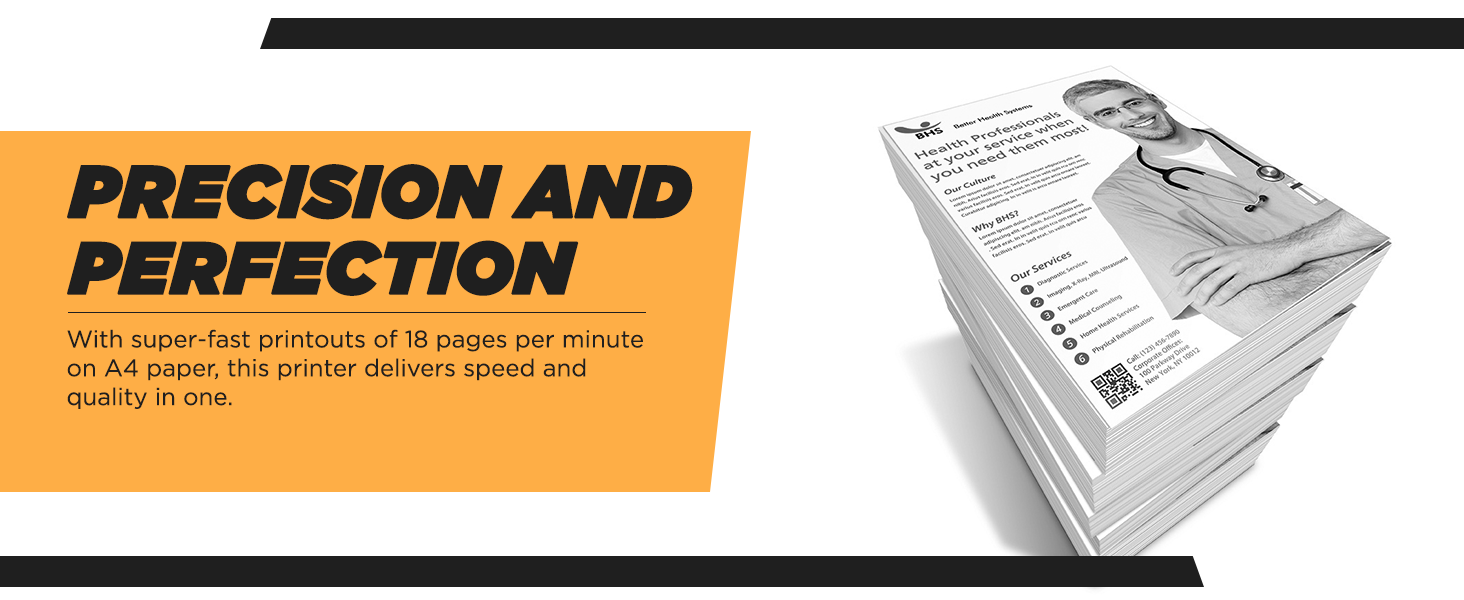
18 |
| Max PrintSpeed BlackWhite |
2400 x 600 Pixels |
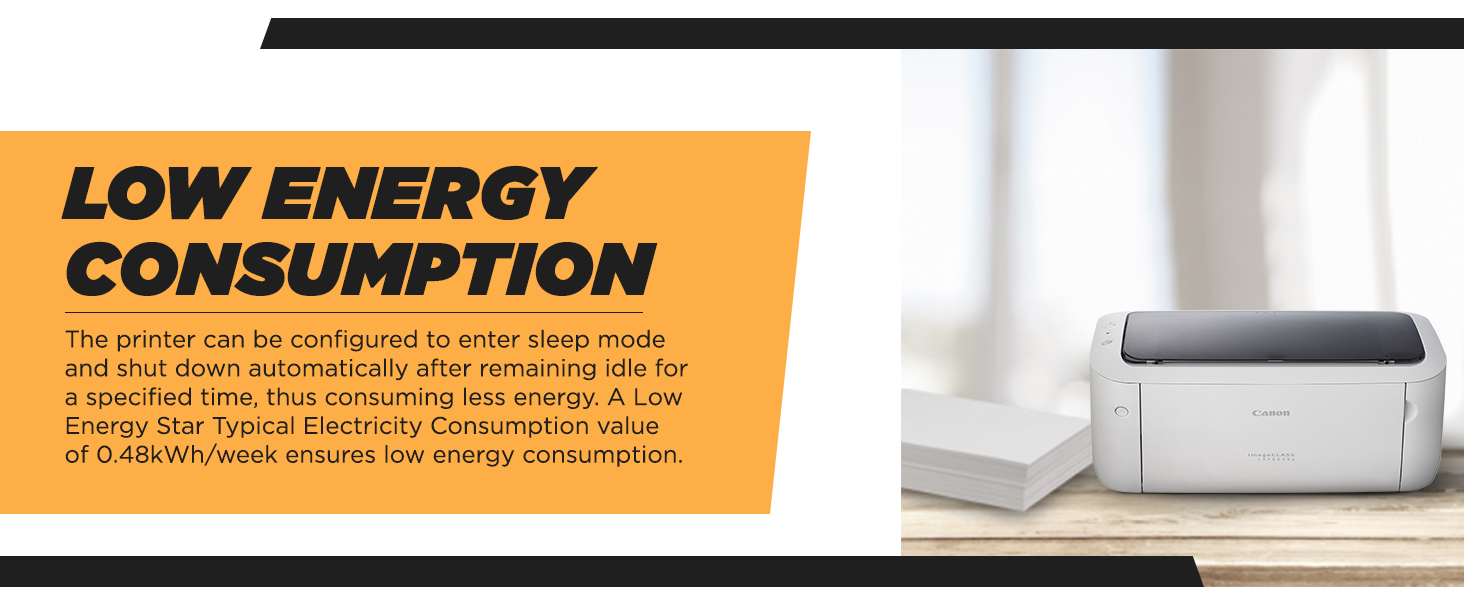
| Power Consumption |
320 Watts |
| Wattage |
1.6 Watts |
| Brand Name |
Canon |
| Model Number |
LBP6030w |
| Box Contents |
Printer,,,,, |
| Model Series |
LBP |
| Best Sellers Rank |
#3,937 in Computers & Accessories (See Top 100 in Computers & Accessories) #17 in Laser Printers |
| Importer Contact Information |
Canon India Pvt Limited.214-218, 2nd floor, Narain Manzil, Barakhamba Road, Connaught Place, New Delhi-110001, India |
| Item Type Name |
Laser Printer |
| Country of Origin |
Vietnam |
| Item Height |
19.9 Centimeters |
| Manufacturer |
Canon, For any product related queries, kindly contact Canon brand customer care on : [1800 180 3366 ][1800 208 3366] Timings: 8:30am-5:30pm |
| Manufacturer Contact Information |
For any product related queries, kindly contact Canon brand customer care on : [1800 180 3366 ][1800 208 3366] Timings: 8:30am-5:30pm |
| Packer Contact Information |
Canon Inc., 3-30-2, Shimomaruko, Ohta-ku, Tokyo 146-8501, Japan |
| Unit Count |
6 Count |
| Warranty Description |
1 year onsite warranty provided by the manufacturer from date of purchase |
| Printer MediaSize Maximum |
A4, B5, A5, Legal, Letter, Executive, Envelope C5 / COM10 / DL, Monarch |
| Maximum Sheet Capacity |
150 |
| Paper Size |
A4 |
| Network Connectivity Technology |
USB, Wi-Fi |
| Hardware Interface |
USB |
| Dual-sided printing |
No |
| Duplex |
Automatic |
| Brand |
Canon |
| Connectivity Technology |
USB, Wi-Fi |
| Printing Technology |
Laser |
| Special Feature |
Single Function |
| Colour |
White |
| Model Name |
LBP6030W |
| Printer Output |
Monochrome |
| Maximum Print Speed (Colour) |
19 ppm |
| Max Print speed Monochrome |
18 |
| Item Weight |
7 Kilograms |
| Feature |
Operating System: Ios; Control Method: Application |
10 reviews for Canon imageCLASS LBP6030W Wi-Fi Mono Printer, Windows, Mac and Linux Support Amazon.in: Computers & Accessories
Clear filters-
5.0 out of 5 stars
Very good product
Working fine from last 2 monthLess use in my office but product is very goodEasy to print with phone also
-
5.0 out of 5 stars
Good product go for it!
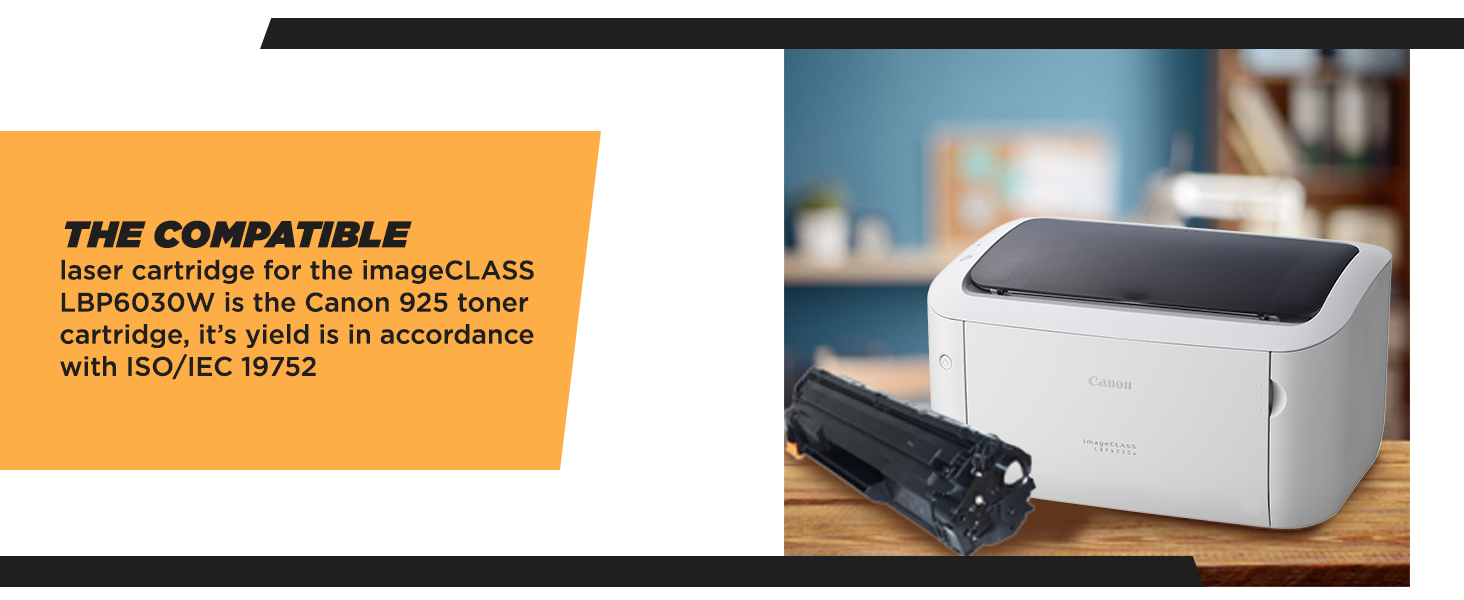
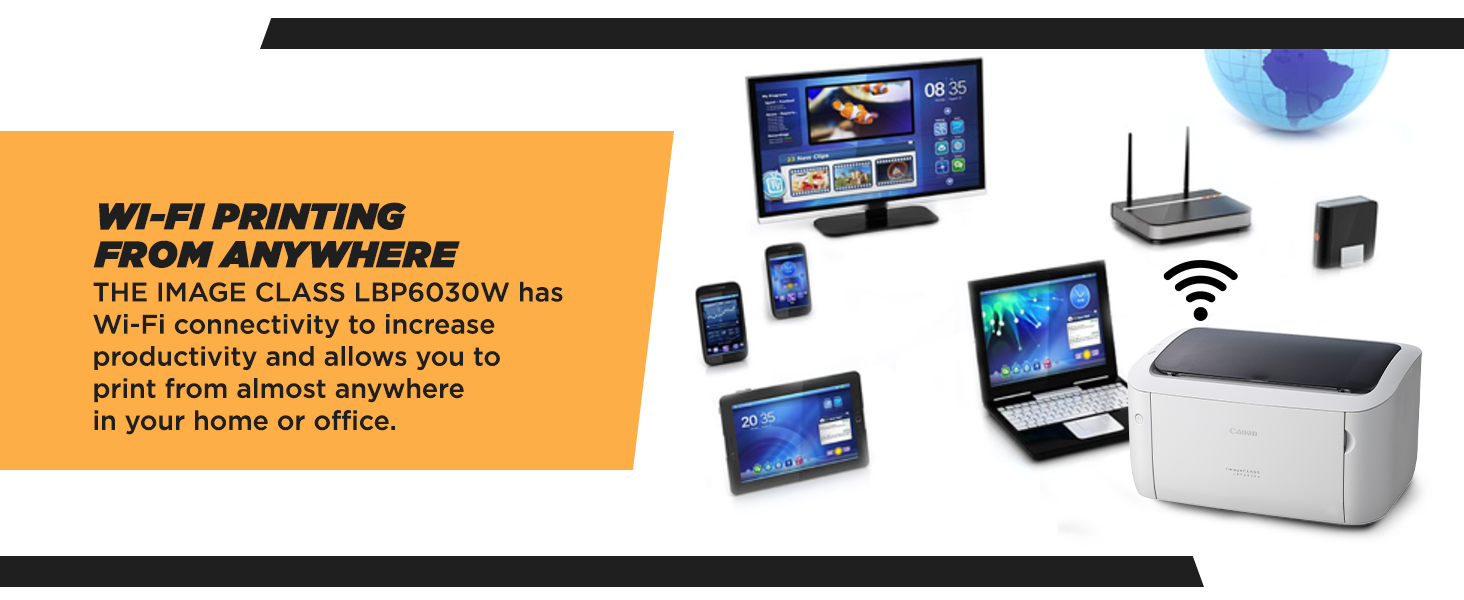
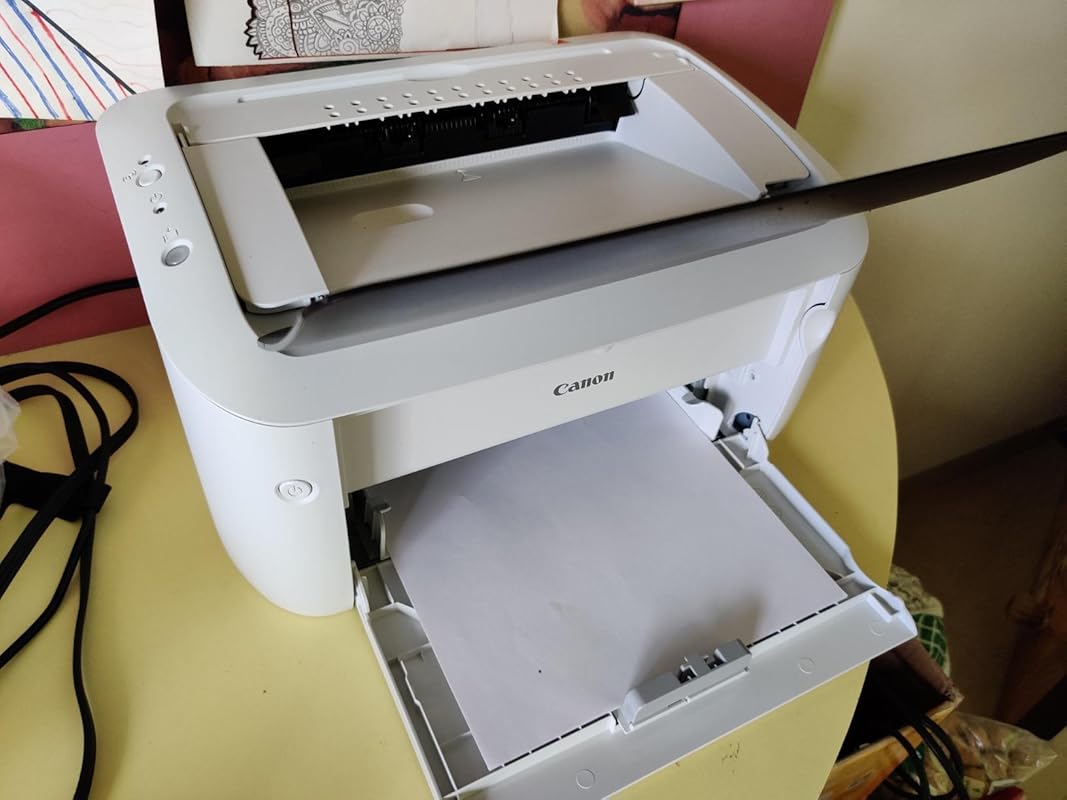
All in all a decent affordable printer that does what is expected of a home printer. Setting up Wireless printing on laptop (win 10) as well as android phones is pretty simple. Plenty of YouTube videos explain these. Not a direct WiFi printer, you require to connect via a wireless router. Once set, the unit retains WiFi settings even after restarting the printer.Print quality is good, supplied toner is genuine 925 toner cartridge. There are compatible cartridges online below 600 rupees which is a big plus (yet to try).With a reputed brand Canon can’t go wrong.Product received made in Vietnam.Few cons noted:1) Unlike brother model this printer doesn’t have a dedicated paper tray. Dust collects on paper if kept uncovered.2) No duplex printing. You have to manually turn and place paper in tray. For regular use it’s a great feature.3) WiFi direct printing would be beneficial.
28 people found this helpful
-
4.0 out of 5 stars
Good…but
Printer was good, but cartridge was dry…so the printing quality was dull. I changed the cartridge and it was now ok.
2 people found this helpful
-
5.0 out of 5 stars
BEST PRINTER
Easy to use
-
1.0 out of 5 stars
Not worth buying
I rarely leave reviews, but this product was such a frustrating experience that I felt compelled to warn others.Poor Quality: The printer feels cheaply made and started showing issues almost immediately. Paper jams are constant, and the print quality is inconsistent at best — streaks, smudges, and faded text right out of the box.Terrible Performance: It’s incredibly slow and unreliable. Wireless connection drops frequently, and the software is buggy. Even simple print jobs become a headache. It wastes ink and paper like crazy.No Support: The customer service is practically non-existent. I tried reaching out multiple times and got either no response or completely unhelpful replies. There’s no troubleshooting help, no warranty support — just silence.Bottom Line: Save yourself the money and frustration. This is by far the worst printer I’ve ever owned. I regret buying it, and I strongly suggest you look elsewhere. There are far better options out there — this one simply isn’t worth it.
7 people found this helpful
-
5.0 out of 5 stars
A very good product from canon..!!!
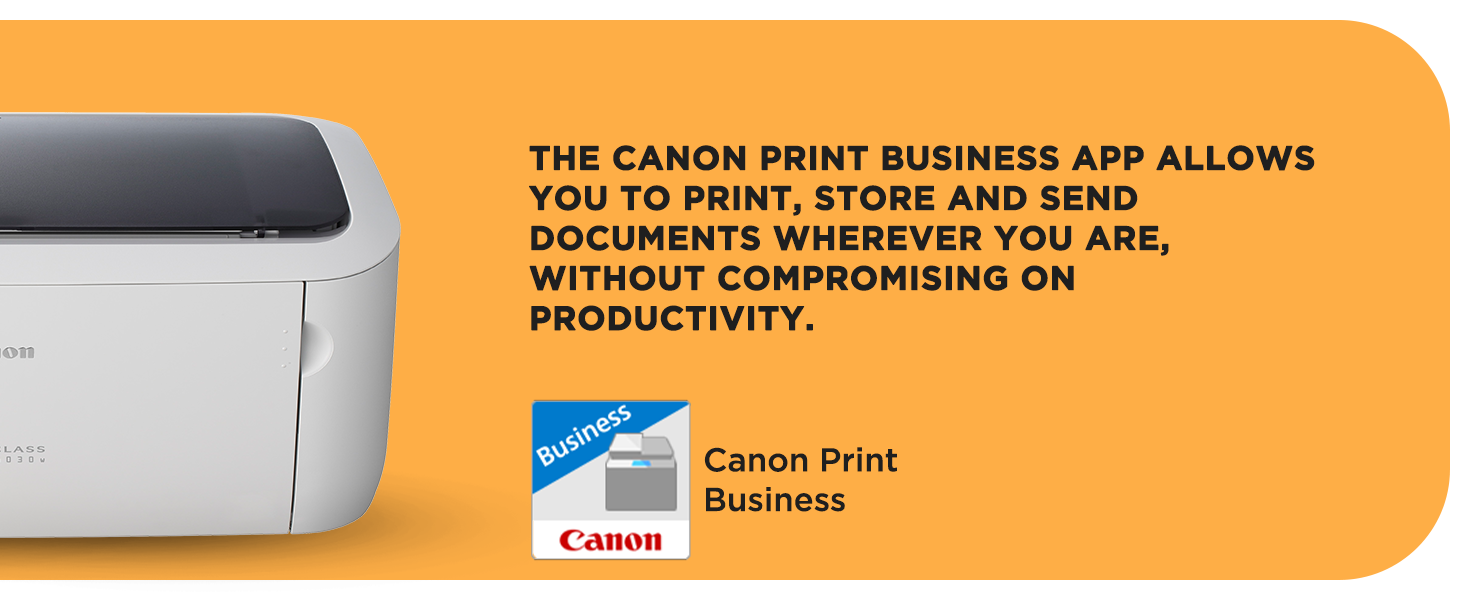
First of all thanks to Amazon for taking such a good care to deliver the product. After ordering for 6 times only the product reached my door step. Every time the product is getting returned back due to the damages occurring during the transit. And finally the product reached me safely in a properly packed manner.Telling about the product.No words to explain simply superb. The printer connect to my WiFi network within 2 Min. The print is good and fair.I check the product warranty using the serial number and its having two year warranty also.The best part of this printer is the capability of taking print through mobiles also.I downloaded an app named canon print business from play store and it detect my printer within 15 sec. The other advantage of this app is that we can take printout of the pics capture with our phone camera as well.The print is also very fast. Overall a great buy and thanks to Amazon for getting me this product at Rs 5499.I highly recommend this product to my friends.
-
3.0 out of 5 stars
Not what I expected from Canon
Ok Printer. Wifi connectivity is not so good.
-
5.0 out of 5 stars
Good For Home Use
Good For Home Use
-
5.0 out of 5 stars
Perfect
The media could not be loaded.
I have no computer or laptop and operate this from my iphone. Ipad didnt support the canon business printer app however.The first network setting with your wifi (the same that your phone is connected to) has to be with a computer or laptop (provided the software on the canon support app has that OS)Once connected, you just switch it on and soon both your mobile and printer are connected to wifi, then you take your prints through the canon business app.Prints a page in 3-5s. Very fast and efficient (not a lot of ink is used per page) best for a home office.Update: must have printed about 2000 pages before the ink got over. I tried powdered ink but didnt work. Produced blotches. Instead i used a cartridge from a different brand available for 600-700/- and it works great, just the same as canon i dare say.
8 people found this helpful
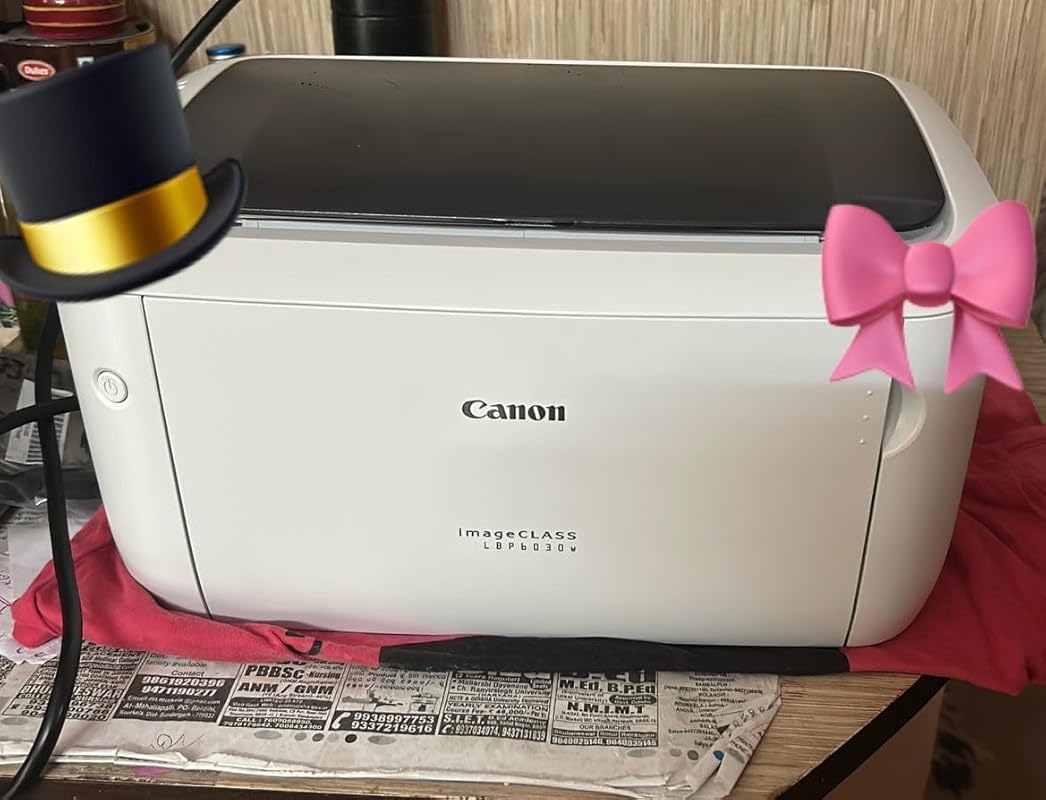
-
3.0 out of 5 stars
No duplex printing
Product as such is good enough, but surprisingly the driver is poor. There is no option to print duplex from PDF files. Even with MS word files , the duplex print command does not work properly. Could not locate an update for the driver. Strange from a company of this level
2 people found this helpful


Sunder Singh –
Very good product
Working fine from last 2 monthLess use in my office but product is very goodEasy to print with phone also
SiddhclSiddhcl –
Good product go for it!
All in all a decent affordable printer that does what is expected of a home printer. Setting up Wireless printing on laptop (win 10) as well as android phones is pretty simple. Plenty of YouTube videos explain these. Not a direct WiFi printer, you require to connect via a wireless router. Once set, the unit retains WiFi settings even after restarting the printer.Print quality is good, supplied toner is genuine 925 toner cartridge. There are compatible cartridges online below 600 rupees which is a big plus (yet to try).With a reputed brand Canon can’t go wrong.Product received made in Vietnam.Few cons noted:1) Unlike brother model this printer doesn’t have a dedicated paper tray. Dust collects on paper if kept uncovered.2) No duplex printing. You have to manually turn and place paper in tray. For regular use it’s a great feature.3) WiFi direct printing would be beneficial.
28 people found this helpful
ANOOP M.J –
Good…but
Printer was good, but cartridge was dry…so the printing quality was dull. I changed the cartridge and it was now ok.
2 people found this helpful
Saravanan –
BEST PRINTER
Easy to use
pawan –
Not worth buying
I rarely leave reviews, but this product was such a frustrating experience that I felt compelled to warn others.Poor Quality: The printer feels cheaply made and started showing issues almost immediately. Paper jams are constant, and the print quality is inconsistent at best — streaks, smudges, and faded text right out of the box.Terrible Performance: It’s incredibly slow and unreliable. Wireless connection drops frequently, and the software is buggy. Even simple print jobs become a headache. It wastes ink and paper like crazy.No Support: The customer service is practically non-existent. I tried reaching out multiple times and got either no response or completely unhelpful replies. There’s no troubleshooting help, no warranty support — just silence.Bottom Line: Save yourself the money and frustration. This is by far the worst printer I’ve ever owned. I regret buying it, and I strongly suggest you look elsewhere. There are far better options out there — this one simply isn’t worth it.
7 people found this helpful
Aravind –
A very good product from canon..!!!
First of all thanks to Amazon for taking such a good care to deliver the product. After ordering for 6 times only the product reached my door step. Every time the product is getting returned back due to the damages occurring during the transit. And finally the product reached me safely in a properly packed manner.Telling about the product.No words to explain simply superb. The printer connect to my WiFi network within 2 Min. The print is good and fair.I check the product warranty using the serial number and its having two year warranty also.The best part of this printer is the capability of taking print through mobiles also.I downloaded an app named canon print business from play store and it detect my printer within 15 sec. The other advantage of this app is that we can take printout of the pics capture with our phone camera as well.The print is also very fast. Overall a great buy and thanks to Amazon for getting me this product at Rs 5499.I highly recommend this product to my friends.
Avi –
Not what I expected from Canon
Ok Printer. Wifi connectivity is not so good.
Placeholder –
Good For Home Use
Good For Home Use
AnweshaAnwesha –
Perfect
The media could not be loaded.
I have no computer or laptop and operate this from my iphone. Ipad didnt support the canon business printer app however.The first network setting with your wifi (the same that your phone is connected to) has to be with a computer or laptop (provided the software on the canon support app has that OS)Once connected, you just switch it on and soon both your mobile and printer are connected to wifi, then you take your prints through the canon business app.Prints a page in 3-5s. Very fast and efficient (not a lot of ink is used per page) best for a home office.Update: must have printed about 2000 pages before the ink got over. I tried powdered ink but didnt work. Produced blotches. Instead i used a cartridge from a different brand available for 600-700/- and it works great, just the same as canon i dare say.
8 people found this helpful
VC –
No duplex printing
Product as such is good enough, but surprisingly the driver is poor. There is no option to print duplex from PDF files. Even with MS word files , the duplex print command does not work properly. Could not locate an update for the driver. Strange from a company of this level
2 people found this helpful