
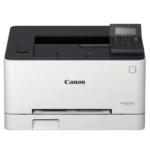
Canon Imageclass LBP621CW Single Function Laser Colour Printer,White : Computers & Accessories
Original price was: ₹59,000.₹52,890Current price is: ₹52,890. (incl. of all taxes)

Canon imageCLASS LBP246dw - Monochrome Duplex, Wireless Laser Printer, Single Function, Mobile Ready, with 1 Year Limited Warranty, 42 PPM, White : Computers & Accessories
Original price was: ₹44,695.₹42,300Current price is: ₹42,300. (incl. of all taxes)
-13%

You may also like
-17%
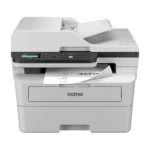
Brother DCP-B7620DWB All-in-One Monochrome Laser Printer, Wi-Fi & Auto Duplex, Affordable Printer for Business, LCD Display, 34 ppm Mono
₹2,230 Cashback
Original price was: ₹26,990.₹22,299Current price is: ₹22,299. (incl. of all taxes)
-4%
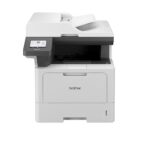
Brother DCP-B7640DWB All-in-One Monochrome Laser Printer, Wi-Fi, ADF & Auto Duplex, Affordable Printer for Business, LCD Display, 34 ppm Mono
₹2,770 Cashback
Original price was: ₹28,990.₹27,699Current price is: ₹27,699. (incl. of all taxes)
-30%
Brother DCP-L5510DN Auto Duplex Laser Printer, 48 PPM, Print Scan Copy, 3.5″ Touch Screen Display, 50 Pages ADF, 2 GB Memory, LAN, 250 Sheet Paper Tray, 11000 Pages Inbox Toner, Free Installation Online at Low Prices in India | Brother Reviews & Ratings
₹3,840 Cashback
Original price was: ₹54,990.₹38,399Current price is: ₹38,399. (incl. of all taxes)
-11%
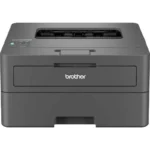
Brother HL-B2100DB Duplex Printer, Best For Home, Small Office With Affordable Toner
₹1,400 Cashback
Original price was: ₹15,790.₹13,999Current price is: ₹13,999. (incl. of all taxes)
-18%
Brother HL-B2180DWB Single-Function Monochrome Laser Printer, Wi-Fi & Auto Duplex, Affordable Printer for Home & Small Office, 34 ppm Mono
₹1,690 Cashback
Original price was: ₹20,490.₹16,899Current price is: ₹16,899. (incl. of all taxes)
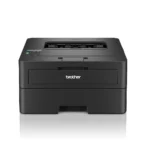
-21%
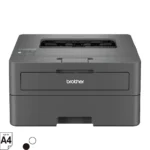
Brother HL-L2460DW (New Launch) Auto Duplex Laser Printer, 34 PPM Print Speed, LCD Display, 128 MB Memory, (WiFi WiFi Direct LAN USB), 250 Sheet Paper Tray, 3000 Pages Inbox Toner, Free Installation
₹1,650 Cashback
Original price was: ₹20,990.₹16,499Current price is: ₹16,499. (incl. of all taxes)
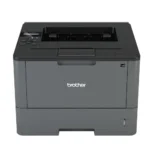
-14%
Brother HL-L5000D Monochrome Laser Printer with Auto Duplex Printing
₹2,371 Cashback
Original price was: ₹27,490.₹23,711Current price is: ₹23,711. (incl. of all taxes)
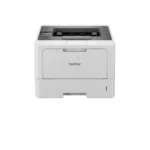
-31%
Brother HL-L5210DW Auto Duplex Laser Monochrome Printer, 48 PPM Print Speed, LCD Display, 1 GB Memory, (WiFi WiFi Direct LAN USB), 250 Sheet Paper Tray, 11000 Pages Inbox Toner, White
₹3,400 Cashback
Original price was: ₹48,990.₹33,999Current price is: ₹33,999. (incl. of all taxes)
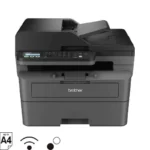
-22%
Brother MFC-B7810DWB All-in-One Monochrome Laser Printer, Wi-Fi, ADF, Duplex & Fax, Affordable Printer for Business, LCD Display, 34 ppm Mono
₹2,510 Cashback
Original price was: ₹31,990.₹25,101Current price is: ₹25,101. (incl. of all taxes)

-12%
Canon imageCLASS LBP6030B Mono Printer, Windows, Mac, and Linux Support Online at Low Prices in India | Canon Reviews & Ratings
₹1,230 Cashback
Original price was: ₹14,000.₹12,300Current price is: ₹12,300. (incl. of all taxes)
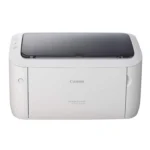
-14%
Canon imageCLASS LBP6030W Wi-Fi Mono Printer, Windows, Mac and Linux Support : Computers & Accessories
₹1,350 Cashback
Original price was: ₹15,775.₹13,499Current price is: ₹13,499. (incl. of all taxes)
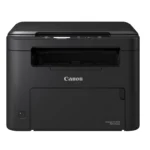
-22%
Canon imageClass MF272dw All in One Monochrome WiFi 29ppm Laser Printer with Duplex : Computers & Accessories
₹2,260 Cashback
Original price was: ₹28,895.₹22,599Current price is: ₹22,599. (incl. of all taxes)
Best Seller

-1%
Black Ink Bottle – 003 – 65 ml
₹40 Cashback Original price was: ₹404.₹399Current price is: ₹399. (incl. of all taxes)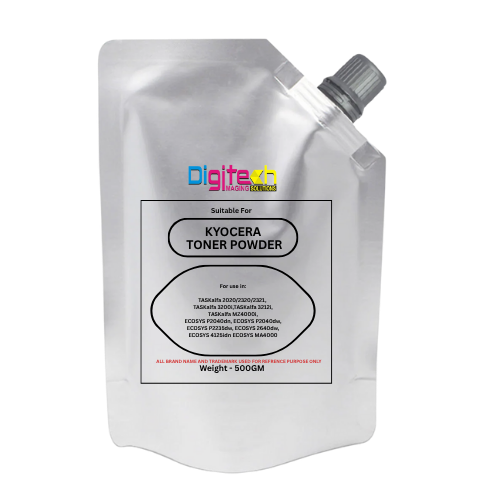
-46%
Kyocera Universal Toner
₹65 Cashback Original price was: ₹1,200.₹649Current price is: ₹649. (incl. of all taxes)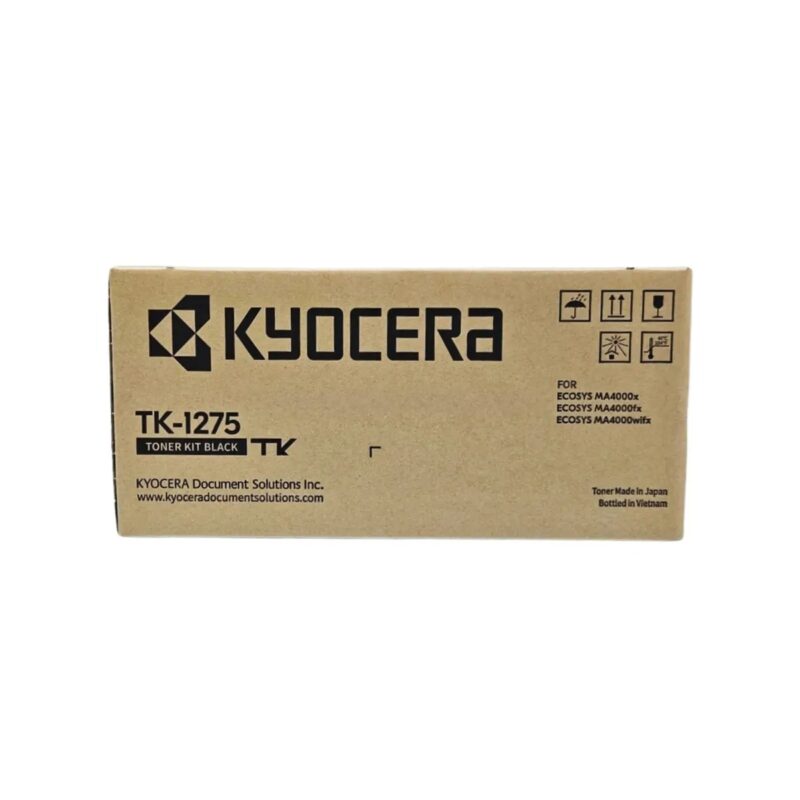
-89%
Kyocera TK-1275 Original Toner Cartridge for ECOSYS MA4000x/MA4000fx/MA4000wifx – 7200 Pages Yield
₹250 Cashback Original price was: ₹22,650.₹2,499Current price is: ₹2,499. (incl. of all taxes)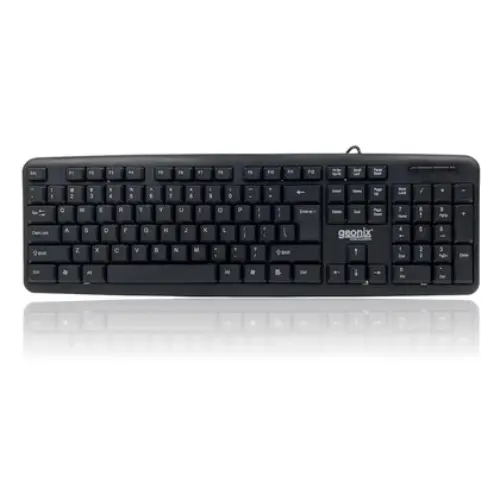
-80%
GEONIX Wired Computer Keyboard, Basic Black Keyboard with 1.5 Metre USB A Cable, 104 keys, Foldable Stands, Compatible for Windows, PC, Laptop 1 Yr Mfg Warranty
₹16 Cashback Original price was: ₹799.₹159Current price is: ₹159. (incl. of all taxes)
-6%
Epson 005 120 ml Black Ink Bottle, Compatible with M1100/M1120/M2140 Printer Models
₹85 Cashback Original price was: ₹899.₹849Current price is: ₹849. (incl. of all taxes)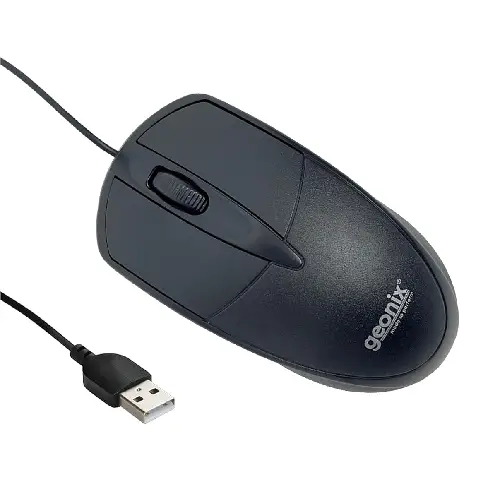
-83%
GEONIX GXBM-01 Wired Optical Mouse – USB 2.0, Ambidextrous Design
₹10 Cashback Original price was: ₹599.₹99Current price is: ₹99. (incl. of all taxes)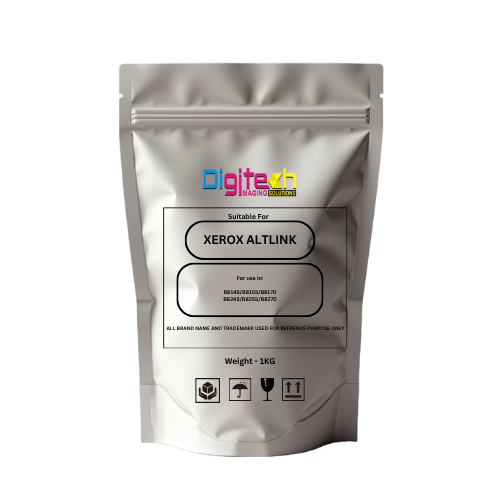
-50%
Xerox AltaLink Toner Pouch – Compatible with B8145 / B8155 / B8170 / B8245 / B8255 / B8270
₹150 Cashback Original price was: ₹2,999.₹1,499Current price is: ₹1,499. (incl. of all taxes)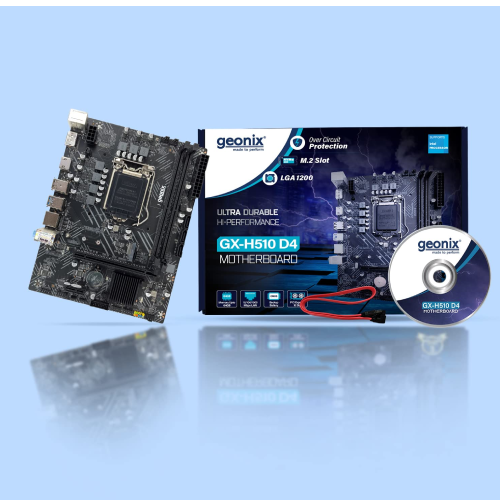
-63% Sold out
Geonix GX-H110 D4 LGA 1151 DDR4 Motherboard – M.2 Slot | Intel 6th & 7th Gen CPU Support
₹300 Cashback Original price was: ₹7,999.₹2,999Current price is: ₹2,999. (incl. of all taxes)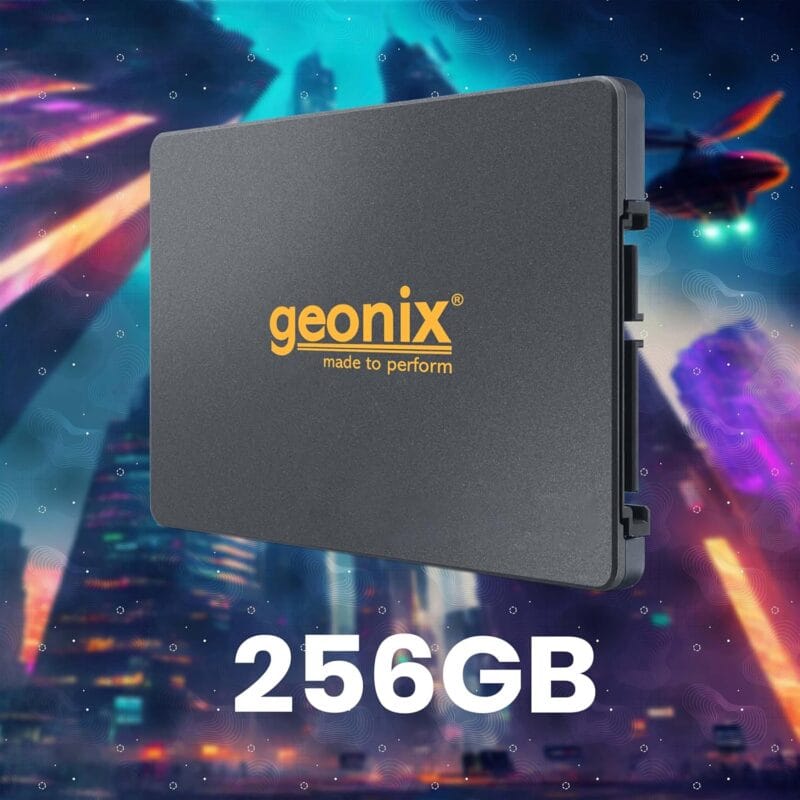
-39% Sold out Hot
GEONIX SATA 2.5″ 256GB Internal Solid State Drive6Gb/s | Fast Performance | Read/Write Speed Upto – 570/500 MB/s | Quad Channel Controller Compatible with PC and Laptop | 5 Years Warranty.
₹430 Cashback Original price was: ₹6,999.₹4,299Current price is: ₹4,299.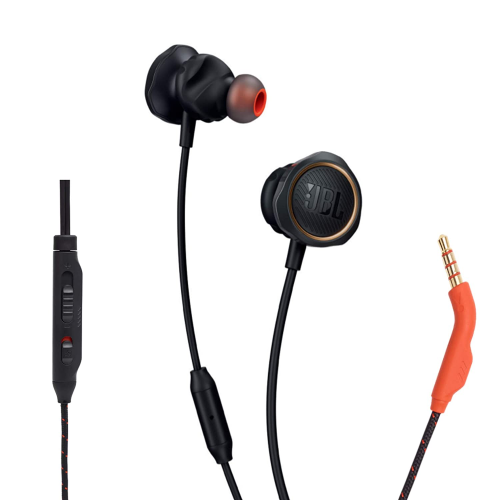
-80% Sold out
JBL Quantum 50 Black Wired Gaming Earphones – 6mm Driver | Hands-Free Calls | Secure Fit
₹50 Cashback Original price was: ₹2,499.₹499Current price is: ₹499. (incl. of all taxes)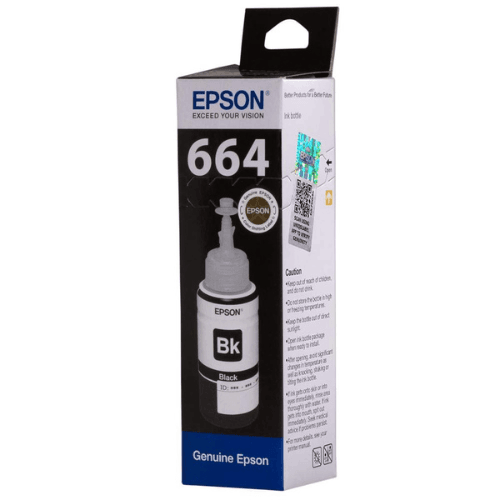
-1%
Epson 664 Black Original Ink Bottle
₹40 Cashback Original price was: ₹404.₹399Current price is: ₹399. (incl. of all taxes)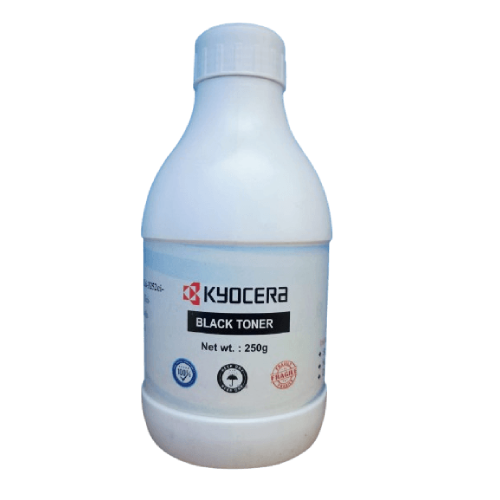
-44%












Edward L.Edward L. –
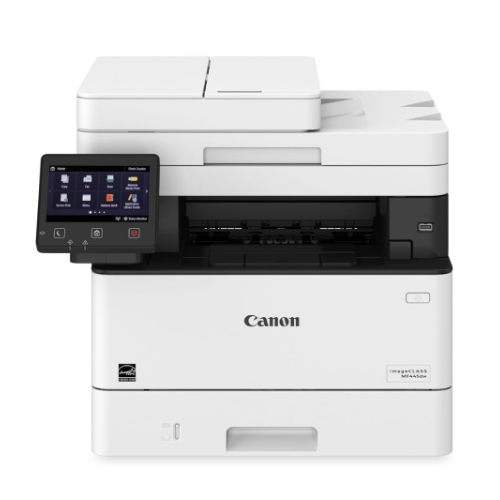
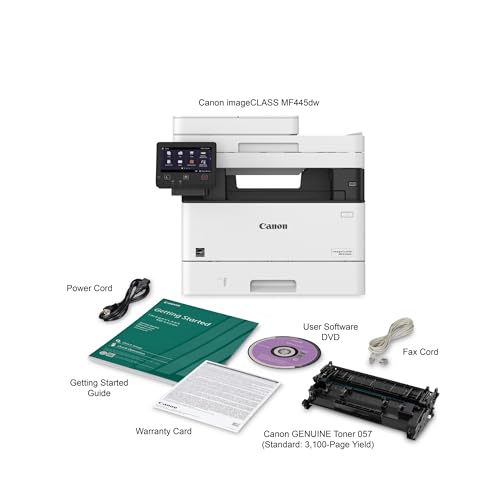
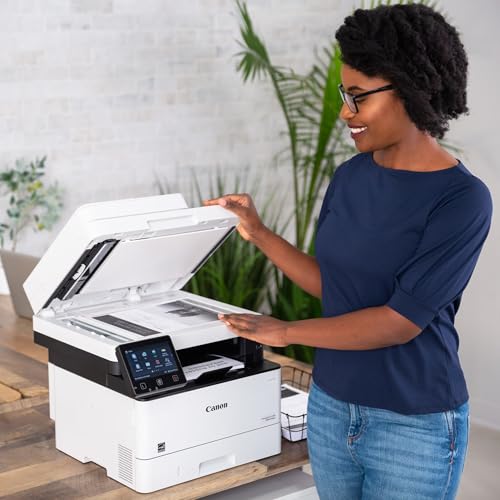
According to the Product Desc -Fast, Single-Pass Duplex ScanningThe imageCLASS MF445dw leverages a single-pass document feeder for two-sided scanning at up to 70 images per minute (ipm) in black and white or up to 26 ipm in color. Scanned files can be converted into multiple file formats, including Hi-Compression PDF and Searchable PDF (OCR).So far, not able to perform 2 sided scanning as adverstised. Tried scanning thru feeder but only 1 side is scanned.This setting is missing on the MF Scan Utility. Installed both versions (one from CD, and the latest v12.02 from Canon) but no success.One star for now. Will review it again if this get resolved. Might have buy something else if this does not get resolved.Update to 5 stars.Contact Canon support – they were able to provide the correct driver and software. After reinstall the new driver and Scan Utility. The 2-sided scanning feature is available. Everything is working as expected now!
MARCE –
Me gustó mucho el servicio pero no me gustó que me hicieron cargos extras por la diferencia de país y que nadie me haya advertido…
One person found this helpful
Nikita –
It has 3 years warranty.The cartridge that is included is not some “starter” type. It’s full-featured, 3100 pages cartridge. So it’s like at least 2 extra cartridges is included in the price if you compare with any of the competitors.It’s unbelievably fast. It has duplex multi page scanning – it’s when you give it stack of paper – it automatically scans both sides of each page and nicely places it into a PDF file, for example.It’s silent in the sleep mode, unlike many HP competitors that have high-pitched noise while in the sleep mode.This printer is too good to be true. In fact, it’s so good, that you’ll get greedy. You would whine that “if only it could print in color”. (and then your life-time quest of finding a perfect printer will be over).When I compared the true black document printed on this printer and on a very good inkjet (with print price per page about 10x) – I didn’t know which one is better and at some point I confused the two copies. I couldn’t figure out what printer printed what copy.And then… the greed. When you print PDFs, some of the colors are not pure black. Meaning your prints will be somewhat “pixelated”. However, it gets perhaps much better if you play with the “quality” settings. It’s capable of 1200 dpi, but then it has some modes like “photo” or “publication” or “high-definition text” – you need to play with those.This is in NO WAY “the fault” of the printer!!! You are buying monochrome. This is the nature of it. The toner is black or no black. There is no even gradation of the gray. Meaning that even gray has to be simulated from the black or absence of black.It has to be said that inkjets prints are also pixelated. But perhaps because pure black is also pixelated – you care less about the not pure black ones. Laser printer gives you so much sharpness for the pure blacks that you start noticing pixelation on the not pure black colors.
77 people found this helpful
BertBert –
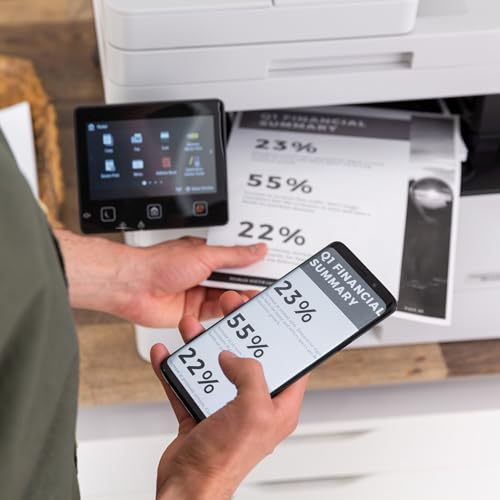
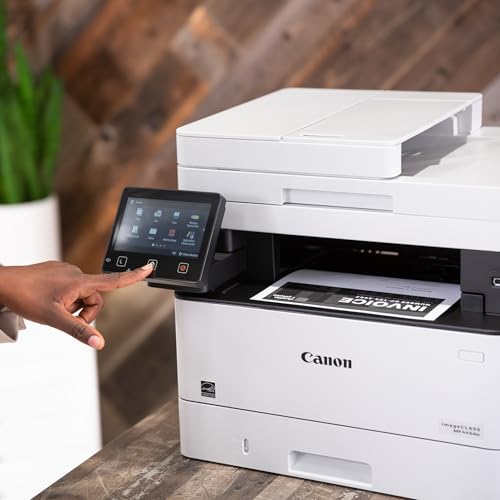
I am using this printer for basic home needs. Basic printing a few times a month, but also scanning all my incoming paper documents to archive them and go paperless, so I scan almost daily : invoices, IRS documents, pay stubs, contracts, everything.This is the cheapest printer I could find with a duplex single-pass scanner, so I went ahead and ordered it.I am impressed by this printer because it comes with 2 features I did not expect :- Internal OCR capability. When it scans to PDF, it can make them searchable, which is awesome.- Customizable interface with a LOT of options (but you have to be tech-savvy).I customized the front screen to add 4 quick-scan buttons. When I press one of them, it scans with the proper settings, and the scanned PDF lands directly on my computer (I used FTP but you can use Windows file sharing too, SMB). This is really convenient ! I just put the documents in the ADF, press the correct button, and it’s done. I then just have to rename the file and file it on my storage. The attached photo shows my customized home screen.The printing works well and does duplex too, which is a must have to save paper and trees.Very happy with this purchase !
26 people found this helpful
javosfr –
PRODUCTO EXTRAORDINARIO, SUPERA POR MUCHO LA EXPECTATIVA. LES RECOMIENDO AMPLIAMENTE ESTE PRODUCTO DE EXCELENTE CALIDAD Y EXTRAORDINARIO FUNCIONAMIENTO ADEMAS DE QUE ES PRACTICAMENTE AUTO-CONFIGURABLE.
One person found this helpful
T N –
This printer is probably a little more than I need, but the price was right for me.The built in apps can be helpful, eg scanning something and being able to email it to yourself. The settings were a little tricky, but I’m enjoying this feature.I saw some me the screen being unresponsive. Compared to smart phone, for sure, but it’s easy enough to type in emails. The screen is larger and far more responsive than the 7 year old unit this is replacing.I didn’t know I could print on both sides until I saw the setting show up in the print menu. This is another great feature.
One person found this helpful
Gisele Desrochers –
Imprimante très efficace mais pas très facile à configurer
GERARDO GONZALEZ JARAMILLO –
Buen producto, no obstante creo que le falta que se pueda digitalizar en tamaño oficio desde el cristal y no solamente desde el automático, ademas los cartuchos de toner son muy costosos (casi al 50% del precio que cuesta la impresora)
Jessica C –
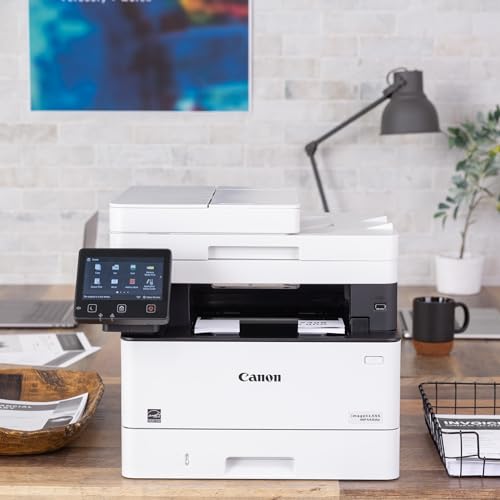
Print quality is wonderful, it does everything I need. Out of the box, scan to pc, copy, print, etc, all work very easily. However, a word of caution.I am a well-compensated systems engineer by trade. I definitely know IT/networking, systems administration, and even some code. However, it even took me an hour to get this darn thing to scan to an email using encrypted SMTP given it didn’t like my email provider’s (Optimum/Altice) TLS certificate for SMTP. So, I wasted nearly 45 minutes trying to interpret error codes and troubleshooting that after spending about 15 minutes finding the settings pages I needed in the first place to start even putting the config in correctly. (IE: Why did the documentation point me first to this useless/terrible legacy website that you can’t even access in the UI without directly navigating by URL, when I should have gone to other pages? Then, why is the smtp port number on a different page than the email stuff? Also goodness gracious, this is some serious granular control over permitted PKI Algorithms for TLS on this other page, etc).FYI, SSL/TLS does work for encrypted smtp on this device, just not for optimum.net email for some reason. I was able to get outlook.com email working instead using an app password as for them, I am set up with 2FA. I think it may have something to do with optimum demanding the use of specific ciphers with their certificate and not using STARTTLS, but I could be wrong–I didn’t troubleshoot further and just decided to use a different email for SMTP.In summary, the web (they call it “remote”) UI is very unintuitive and closely related options are unfortunately in menus scattered throughout the machine in very different places. The documentation is also scattered everywhere. If you plan on doing anything other than the basics, you’re going to want to know your stuff like I do or get their tech support. Otherwise, this thing is feature packed, and in my opinion, more so than a comparable Brother printer. This one is far sleeker and more modern looking too than a comparable brother, plus it’s really quiet :D.
44 people found this helpful
Consumer –
I have been very happy with this printer. Being a mac user there is usually at least one feature that doesn’t quite work, or work well with a Mac. So far this printer has been hassle-free. Easy to setup and no glitches what so ever. It hasn’t cost me an arm and a leg for the cartridges either.