


You may also like
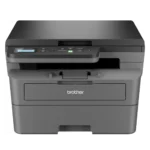
Brother DCP-B7600DB All-in-One Monochrome Laser Printer, USB & Auto Duplex, Affordable Printer for Business, LCD Display, 34 ppm Mono
₹1,710 Cashback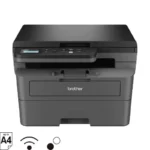
Brother DCP-B7620DWB All-in-One Monochrome Laser Printer, Wi-Fi & Auto Duplex, Affordable Printer for Business, LCD Display, 34 ppm Mono
₹2,230 Cashback
Brother DCP-L5660DN Auto Duplex Laser Printer, 48 PPM, Dual Scanning, Print Scan Copy, 3.5″ Touch Screen Display, 70 Pages ADF, LAN, 250 Sheet Paper Tray, 11000 Pages Inbox Toner, Free Installation Online at Low Prices in India | Brother Reviews & Ratings
₹4,220 Cashback
Brother HL-B2180DWB Single-Function Monochrome Laser Printer, Wi-Fi & Auto Duplex, Affordable Printer for Home & Small Office, 34 ppm Mono
₹1,690 Cashback
Brother HL-L2460DN (New Launch) Auto Duplex Laser Printer, 34 PPM Print Speed, LCD Display, 128 MB Memory, LAN, USB, 250 Sheet Paper Tray, 3000 Pages Inbox Toner
₹1,515 Cashback
Brother HL-L5210DW Auto Duplex Laser Monochrome Printer, 48 PPM Print Speed, LCD Display, 1 GB Memory, (WiFi WiFi Direct LAN USB), 250 Sheet Paper Tray, 11000 Pages Inbox Toner, White
₹3,400 Cashback
Canon imageCLASS LBP6030B Mono Printer, Windows, Mac, and Linux Support Online at Low Prices in India | Canon Reviews & Ratings
₹1,230 Cashback
Canon imageCLASS LBP6030W Wi-Fi Mono Printer, Windows, Mac and Linux Support : Computers & Accessories
₹1,350 Cashback
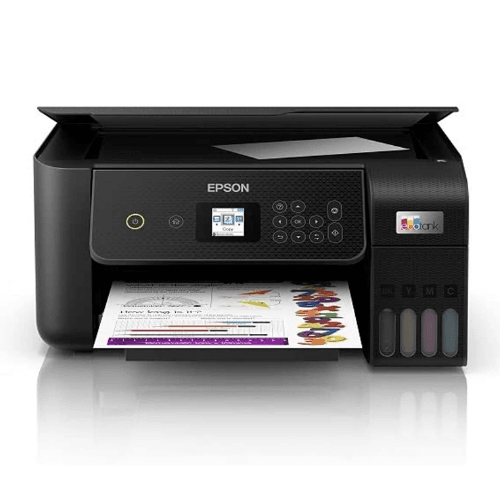
Canon PIXMA MegaTank G2010 All-in-One Ink Tank Colour Printer (Black) : Computers & Accessories
₹1,200 Cashback
Kyocera ECOSYS M4125IDN 390W All-in-One Monochrome Laser Photo Copier Machine Printer single tray
₹8,900 Cashback
Kyocera ECOSYS M5521cdw, 22ppm Copy/Scan/Print/Fax Color Laser MFP. Standard 1200dpi, ADF, 5 Line LCD & Hard Key Control Panel, Duplex, Wireless & Wi-Fi Direct, USB, Gigabit Ethernet, 512MB Memory
₹5,800 Cashback
Kyocera Ecosys P2235dn Single Function Laser Printer with Duplex & Networking
₹2,600 CashbackFrom the manufacturer


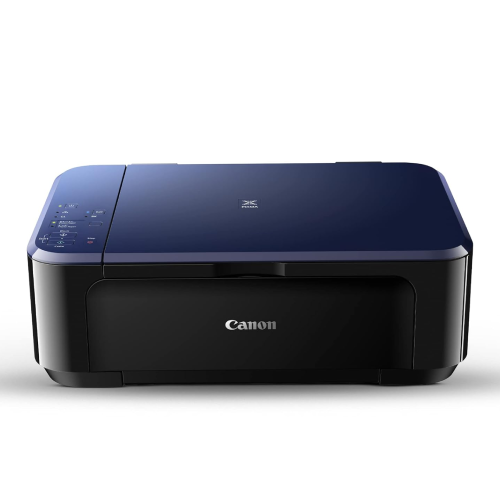
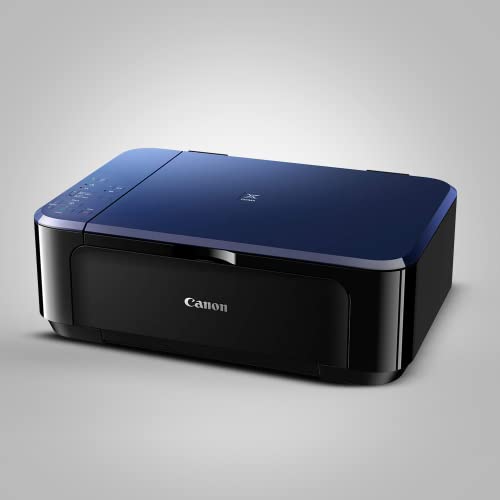
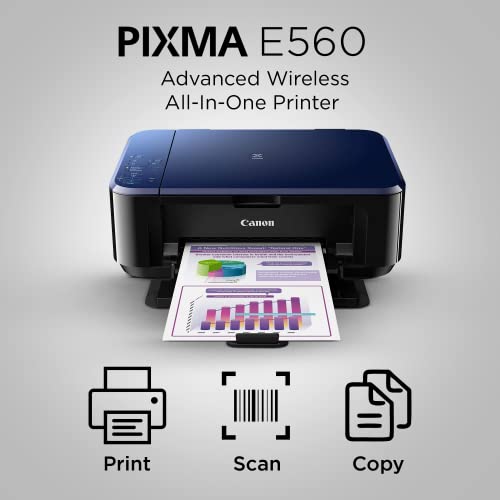
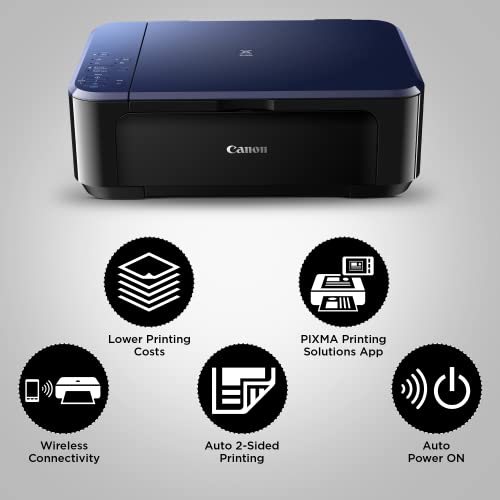
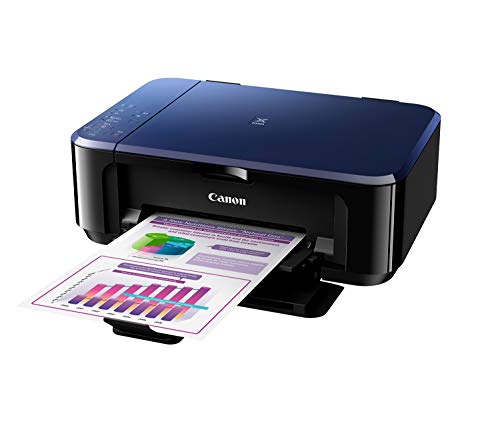
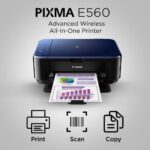
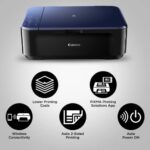
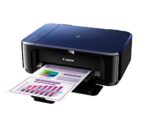
The printer enables efficient operation with the ink efficient cartridges, Black 800 pages and Color – 400 prints.

Using a smart phone or tablet, print images and documents stored on your device or scan directly into the device with the available app.

Featuring wireless LAN connectivity , the PIXMA E560 enables printing, scanning and other operations with ease via USB.


Save Paper, Save Resource!
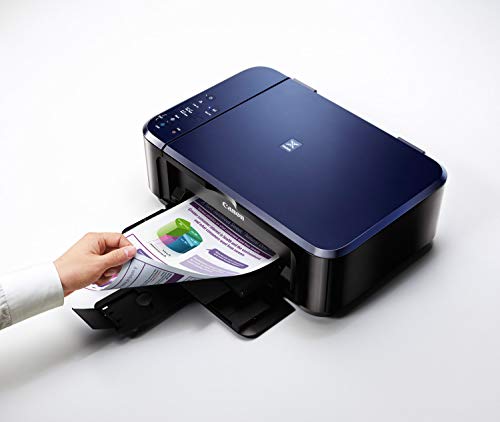
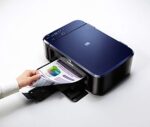
With the auto 2 sided printing feature the printer by Canon helps in efficiently utilising the resources.

The Auto Power ON detects a print command and will automatically switch the printer ON for use.

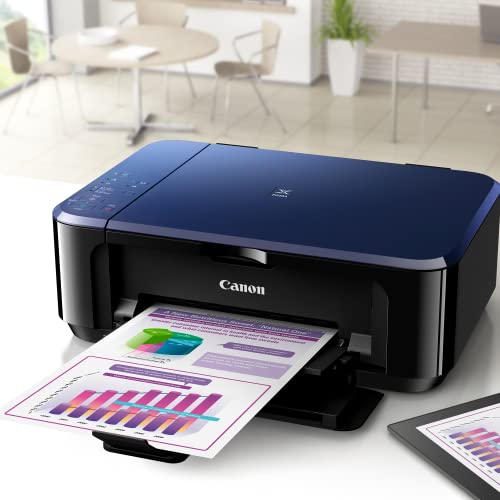
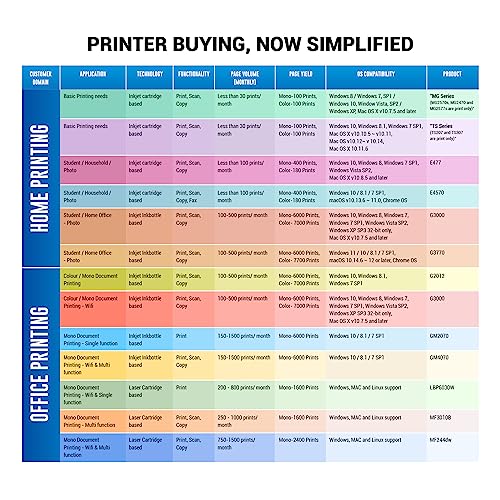
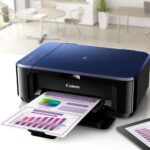
The printer is ideal for regular or frequent use at home and small office with medium to low volume(100-300 prints per month) requirement at fast speed.

| Brands | CanonCanon printers Canon PIXMA Canon imageCLASS Canon MAXIFY Canon photo printers Buy Canon printers online Canon laser printers Canon accessories Best Canon printer deals Canon cameras and camcorders |
|---|---|
| Color | Black |
| Connectivity | Ethernet, USB |
| Paper Size | A3, A4 |
| Printer Features | Auto Duplex Printing |
| Printer Functionality | All in One |
| printer Technology | Laser Printer |
| Printer Type | Colour |
| Products by Type | Printers |
8 reviews for Canon PIXMA E560 All in One (Print, Scan, Copy) WiFi Ink Efficient Colour Printer with Auto Duplex Printing for Home : Computers & Accessories
Clear filtersShop genuine Canon products online at Digitechshop, India’s trusted destination for inkjet printers, laser printers, multifunction printers, ink bottles, toner cartridges, documents scanners, and camera accessories. Canon is a globally leading brand known for its high-quality printing, imaging technology, durability, and advanced features.
From home printers to office multifunction machines and commercial printing devices, Canon offers reliable performance and outstanding print clarity. At Digitechshop, you get 100% original Canon products with manufacturer warranty, best-price offers, expert support, and fast delivery across India.
Whether you are a student, business owner, office user, or photography enthusiast, Canon delivers professional-grade solutions for all printing and imaging needs.
Best Seller

Black Ink Bottle – 003 – 65 ml
₹40 Cashback Original price was: ₹404.₹399Current price is: ₹399. (incl. of all taxes)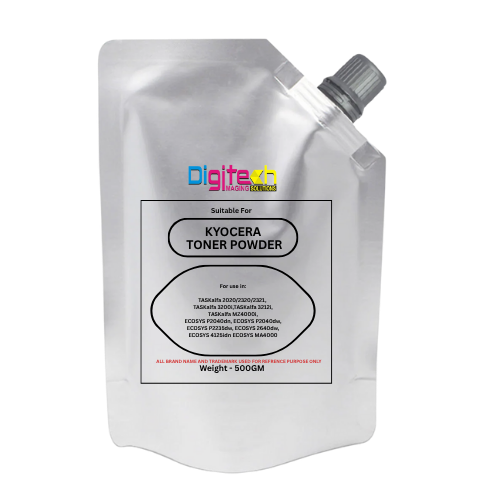
Kyocera Universal Toner
₹65 Cashback Original price was: ₹1,200.₹649Current price is: ₹649. (incl. of all taxes)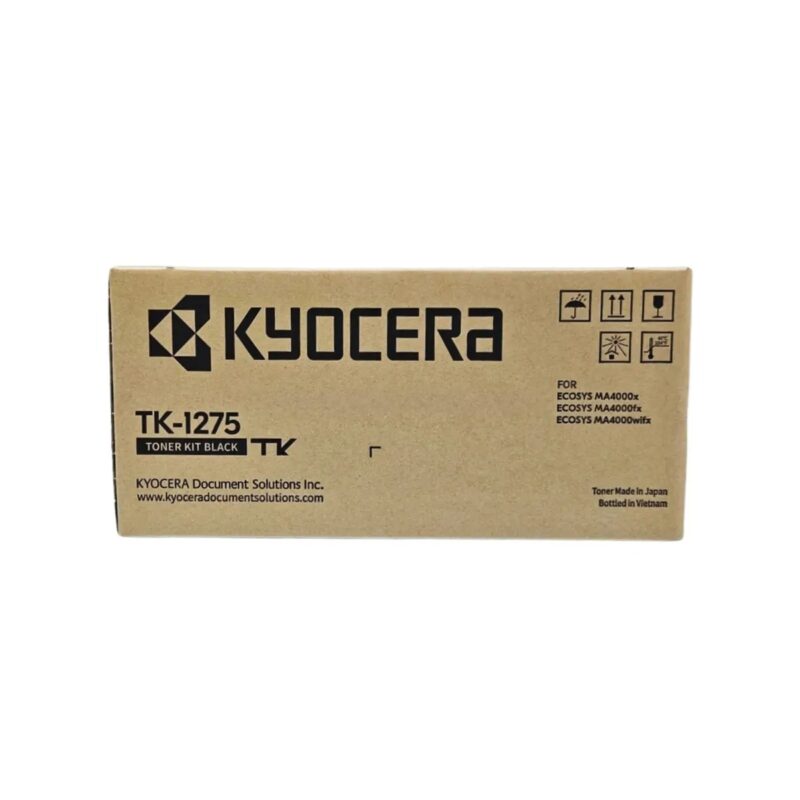
Kyocera TK-1275 Original Toner Cartridge for ECOSYS MA4000x/MA4000fx/MA4000wifx – 7200 Pages Yield
₹250 Cashback Original price was: ₹22,650.₹2,499Current price is: ₹2,499. (incl. of all taxes)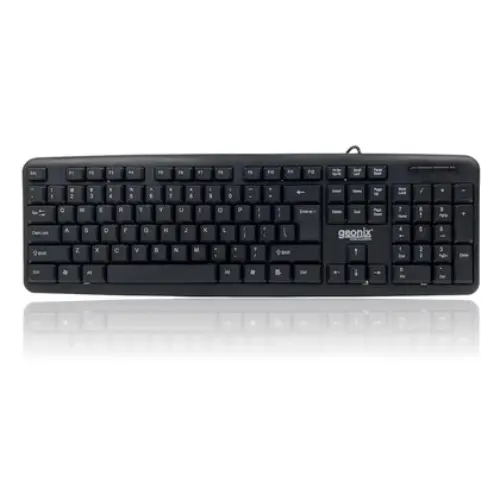
GEONIX Wired Computer Keyboard, Basic Black Keyboard with 1.5 Metre USB A Cable, 104 keys, Foldable Stands, Compatible for Windows, PC, Laptop 1 Yr Mfg Warranty
₹16 Cashback Original price was: ₹799.₹159Current price is: ₹159. (incl. of all taxes)
Epson 005 120 ml Black Ink Bottle, Compatible with M1100/M1120/M2140 Printer Models
₹85 Cashback Original price was: ₹899.₹849Current price is: ₹849. (incl. of all taxes)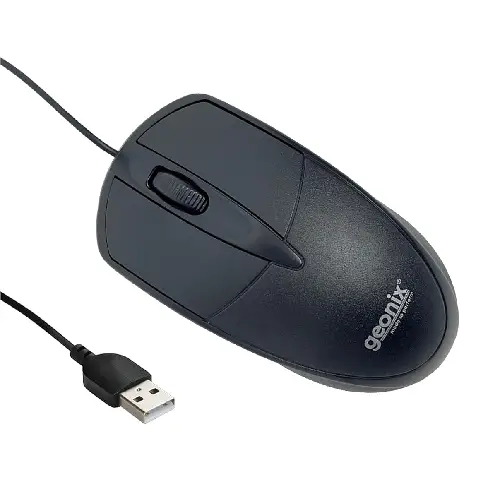
GEONIX GXBM-01 Wired Optical Mouse – USB 2.0, Ambidextrous Design
₹10 Cashback Original price was: ₹599.₹99Current price is: ₹99. (incl. of all taxes)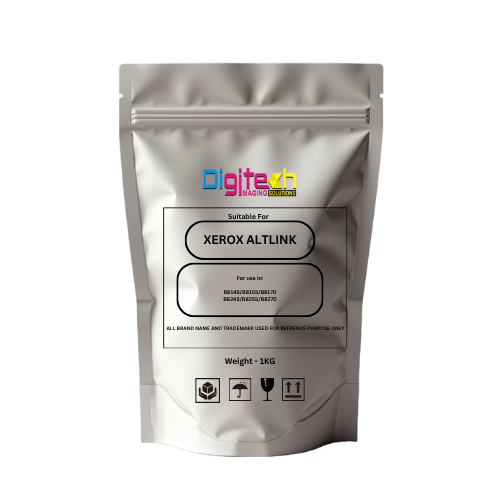
Xerox AltaLink Toner Pouch – Compatible with B8145 / B8155 / B8170 / B8245 / B8255 / B8270
₹150 Cashback Original price was: ₹2,999.₹1,499Current price is: ₹1,499. (incl. of all taxes)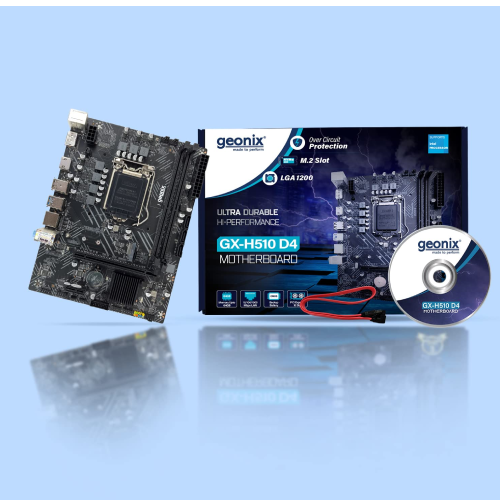
Geonix GX-H110 D4 LGA 1151 DDR4 Motherboard – M.2 Slot | Intel 6th & 7th Gen CPU Support
₹300 Cashback Original price was: ₹7,999.₹2,999Current price is: ₹2,999. (incl. of all taxes)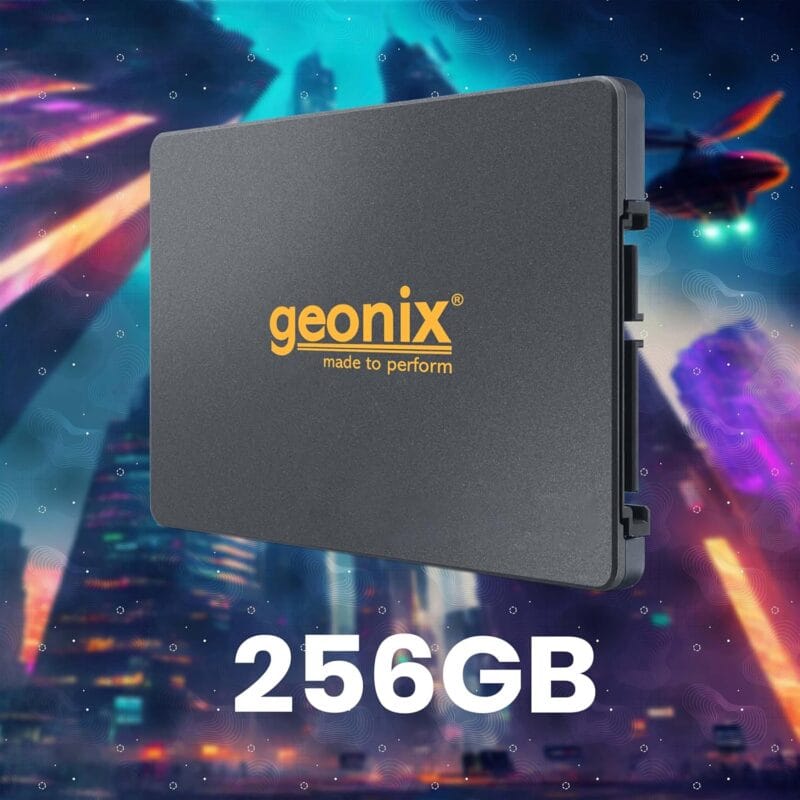
GEONIX SATA 2.5″ 256GB Internal Solid State Drive6Gb/s | Fast Performance | Read/Write Speed Upto – 570/500 MB/s | Quad Channel Controller Compatible with PC and Laptop | 5 Years Warranty.
₹430 Cashback Original price was: ₹6,999.₹4,299Current price is: ₹4,299.
JBL Quantum 50 Black Wired Gaming Earphones – 6mm Driver | Hands-Free Calls | Secure Fit
₹50 Cashback Original price was: ₹2,499.₹499Current price is: ₹499. (incl. of all taxes)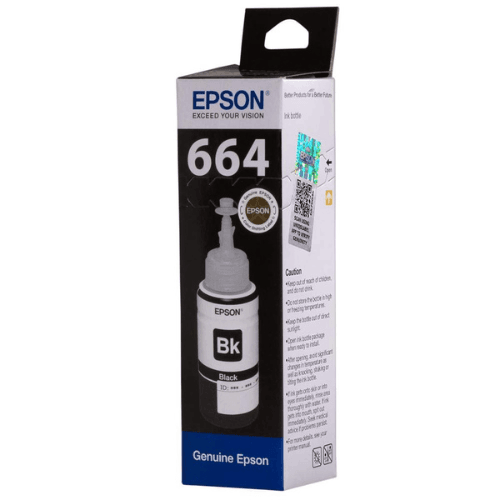
Epson 664 Black Original Ink Bottle
₹40 Cashback Original price was: ₹404.₹399Current price is: ₹399. (incl. of all taxes)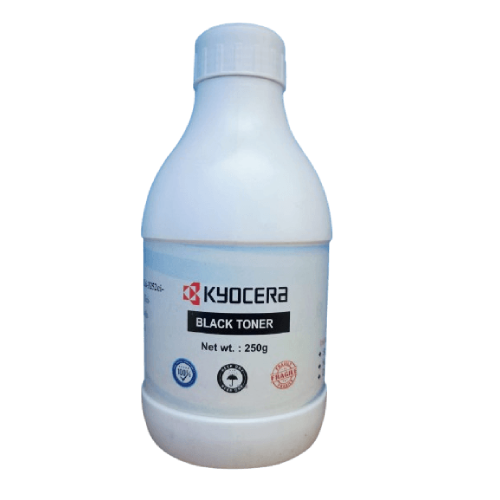














NitheshNithesh –
Great for Home & Students, Just Note: Router Required for Wireless
I recently purchased the Canon PIXMA E560 and, after some trial and error, got it fully working — here’s my honest take:Setup & Wi-FiOne important note: you need a Wi-Fi router to use this printer wirelessly. The E560 doesn’t support direct phone-to-printer Wi-Fi; instead, both your printer and device must connect to the same Wi-Fi network. Also, the printer only supports 2.4 GHz Wi-Fi, not 5 GHz. Once I enabled the 2.4 GHz band on my router, the printer connected smoothly, and I could print from my laptop and phone with no issues.Print QualityThe very first prints had a few lines, but after a couple of runs the prints came out sharp and consistent. For study material and everyday home use, the quality is perfectly fine.FeaturesScanning & Copying: Very handy for quick copies and digital scans.Wireless printing: Works seamlessly once properly set up.Value: Running cost is reasonable, especially with the PG-89 high-yield black cartridge.VerdictThis printer is value for money and suitable for home or student use. Compact, easy to use, with the added advantage of scanning and copying. Just remember:Make sure your Wi-Fi router has a 2.4 GHz band enabled.You cannot print directly from a phone without a router.
3 people found this helpful
Indian Shopper –
Perfect printer for home
I bought this printer in Sep 2015. Typically, I always review electronic products after using them for few months and here is my quick review:Brief history: I owned a Canon Pixma for 10 years before it’s print head started to give problems. 10 years for a printer is amazing, if you are ask me. And that itself had proved Canon’s reliability. So choosing another Canon was a no-brainer. But, I followed the crowd and chose the HP 3545E instead because of its popularity. The HP 3545E is a good printer but had an issue where it will not print double-sided PDFs properly over WiFi. Please see my review for that printer on it’s product page. Unfortunately, that printer did not work for me and I had to return it back. Finally, I decided to go with Canon and bought the E560.The Canon E560 is actually a very good printer for home use. It is perfect for my requirements & is ideal for a small home office setup. For me, the top 5 requirements were:- WiFi Printer- Duplex printing- Quick startup and fast printing- Ideal for kids projects- AffordableThe WiFi setup was straightforward if you are familiar with setting things up. Installing and replacing cartridges seems to be easy too. I have been using this printer moderately (few prints every 1-2 weeks) since Sep 2015 and still haven’t replaced the original cartridges. I haven’t printed any color photographs (not a big fan of printing photos at home as you can get them printed and shipped for cheap). The color cartridge is now close to empty but I have a feeling that I can get few more weeks out of it. I do plan to keep track of how many pages I can get after replacing the cartridges. Will update my review accordingly.If I really have to pick the negatives then I tend to compare it with my 10 year old Canon Pixma. Some of them are:- No dust free protection for the paper stack, so if you do not print regularly, you may want to remove the top blank paper from the input tray as it gathers lot of dust. My old Canon Pixma had a dust free cover on the paper input tray. Alternatively, you can make a small cover using cardboard (good project for the kids).- The output tray extender to stop prints from falling down, is a bit confusing & is actually part of the input tray. You have to pull it out and extend it. Care needs to be taken as it may easily break if not handled carefully.- No ‘Scan to computer’ button. Might be a bit time consuming to scan multiple pages using the dialog.Overall, a good printer & definitely worth a buy for home use. Now, I just have to see whether it can beat my Canon Pixma MP500’s 10 year record.
14 people found this helpful
Ruthvik –
Overall a great VFM Printer for Home with Auto-Duplex Feature
Some person here said, this printer can’t print with a single sheet in the Paper loading tray. That’s the 1st thing I checked after buying this Printer.It turns out, you can Print even with a single sheet of paper.Usually when you are loading a bundle of Sheets, due to the thickness of the sheets, the paper loading rolling feeder is naturally pushed with ease. But with a single sheet, you need to slide it inside the roller for it to grip it and pull it for printing. If you do not want Paper Abrasions/Tear inside the machine, do not use any less than 75 GSM Paper.Good Stuff:1) Good Quality Printer & Crisp Prints.2) Wi-Fi Printing at this price is really impressive. ( My Advice : Pl Leave DHCP ON & Don’t assign a Static IP address to the Printer unless you know what you’re doing. )3) Best part is Auto Duplex Printing at reasonable price. (Be warned: Printing area may be reduced during Auto Duplex Printing, however, my prints were okay.)4) Quiet Mode which can be scheduled. My quiet mode starts automatically at 11 PM and ends at 5:30 AM.5) Power Saving Feature: Auto Power Off/On6) Simple Uncluttered Menu & Regular Firmware Updates.7) Regarding how long Ink would last, I Just Printed more than 1300 Pages ( Print Quality: Standard & all text ) of Black only but, both Color Cartridge and Black Cartridge is Empty. :|Now let’s remember: I PRINTED EVERYTHING IN BLACK, YET COLOR IS completely EMPTY.(Draft Mode uses the least amount of Ink, Standard Mode Balanced, Best Mode depletes Ink Quickly)Also, I printed 1250 Pages within 2 weeks of purchasing this printer. Don’t expect the same output after 4-6 months from the date of cartridge installation.But yes, it lives up to Canon’s Claim of 800 pages Black & 300 pages Color in accordance with ISO/IEC 24712.8) Supports Google Cloud Print. You can be at the office and Print a document at home.Bad Stuff:NO SCAN BUTTON ON PRINTER ! You have to load the document on the Flat-bed Scanner & hit the Scan button on your Computer! ANNOYING !1) Uses color ink even when you select Gray-scale Print Option. It is bad that it needs color cartridge to print even in Gray Scale. Pl read the side notes carefully: Canon says “Color ink may be consumed even when printing a black-and-white document or when black-and-white printing is specified.”My Solution to this Problem:*) Click Windows Start Button*) Open Devices and Printers*) Right click on Canon E560 Series Printer*) Open Printing Preferences*) Click Maintenance Tab*) Select Ink Cartridge Settings*) you’ll notice that by Default both Black and Color Cartridges are selected. Change that to Black only.This might put a check on color cartridge consumption.2) Needs a color cartridge in place all the time. Doesn’t matter even if its empty, but it ought to be there.Canon says “If a cartridge runs out of ink, you can print with either color or black cartridge, in whichever ink remains, only for a while. However the print quality may be reduced compared to when printing with both cartridges. We recommend to use a new cartridge in order to obtain optimum qualities. Even when printing with one ink only, print with leaving the empty cartridge installed. If either of the color cartridge or black cartridge is not installed, an error occurs and the machine cannot print. “3) My iPad 2 didn’t recognize the Printer coz, it isn’t included in Air Print Model list. But still could print & scan very well from iPad with Canon PIXMA/MAXIFY App.4) Ink Cartridges are imported from Japan and it still needs to be on an economical side. (A cost cut required)Black Cartridge Canon Ink Tank PG-89 MRP: INR 790.00Flipkart.com Price: Rs.628Color Cartridge Canon Ink Tank CL-99 MRP: INR 990.005) More than 35 hours of usage & only on 2 occasions, Printer stopped responding & on 3 Occasion paper jam. But not a deal breaker. Paper Jams are easy to remove.Do not Refill Cartridge for at least Two Years since there is a 2 years onsite warranty and refilling a cartridge would void it.
190 people found this helpful
Amar –
Do not buy PIXMA E560. It is very good printer. But the Spare parts not available
Do not buy PIXMA E560. It is very good printer. But the Spare parts not available after warranty periodThis printer worked very well for 3 years. The power adapter is now not working. The Cannon company says this model is replaceable model. That means if the product is within warranty they will replace. Now it is out of warranty So I have to buy new printer. The cost of power adapter may be with in 1000 Rupees. But they wont supply power adapter So I have to buy new printer.finally I got the power adapter from Alibaba.com
Saurav Banerjee –
Good Home Printer and Scanner for documents and photos
I purchased the printer in 2016 and the printer has been performing well. I have used it for printing documents and sometimes photographs as well. It is easy to install and works well over the wifi network. Another important point to note is that the printer works well even if not used everyday – I have not used the printer for 2 months and after that when I used it one day, I found that the print quality is good as with regular use – No ink blots, no ink skipping from the printer. On the negative side the print speed is slow and this printer model – E560 from canon is not compatible with the Apple Ipad or Iphone. Scanning is a little complex process as it requires a Canon app to be installed which although scans properly, does not have good functionality to share the scanned document as email attachment. The Canon app is not so feature rich and offers basic functionality. One very important point to be kept in mind is that for Wifi Printing the device from which document will be sent to the printer should be in the same Wifi network as the printer, if the printer and the device are in different Wifi network then the printer will not receive the documents for print over Wifi.I would recommend this printer/scanner for home use only with low volume prints and occasional printing of photographs. If you are a Apple user ( Ipad, Macbook, Iphone) i would recommend a printer with Airprint feature enabled.
38 people found this helpful
prs kumar palaprs kumar pala –
Worth the price
First of all,the installation process,i installed the printer and ink catridges as per manual instruction steps without much difficulty.For configuring wifi settings ,i had to connect printer to laptop using USB Cable provided ,while software setup,The other ways of configurring wifi settings was no successfulNow my printer is accessible from mobile phones and other computers and laptops in my wifi networkThe Wifi Setup of this printer may need some technical expertise and its difficult to do with a layman perspective as this printer dont have an inbuilt display(as compared to HP printers i have used),i were able to succefully configure it ,and once i configured it inever encountered any issue,One should know How to use IJ network tool etc to succesfylly configure the printer,and this one model is one of earlier wifi printers from canonThe auto duplex printing function is really helpful ,and very difficult to find in this price rangeBased on my experience with an older model E510,Canon printers lasts longer my previous printer Canon E510 lasted for more than 6 Years .The catridge output is ok as i dont take too much printouts now a days,but the catridges are expensive.Ididnt concidered ink tank printers as i heard few complaints about them arising due to not using printer for long time.i will update the review later using this printer long time….–An Update on 17-01-21I am seeing a few negative reviews regarding wifi connectivity and secondly operation of printer from few usersi have used many HP printers since 2004 and faced many issues related to its operation and maintenance ,none of them lasted as much as My canon printers,My last printer before this one was a canon E510 lasted around 6+ years now–An Updateon 19-06-2021—the printer works perfectly ok and there are no issues so far, pre installed catridge stillnot exhausted
13 people found this helpful
Dr. Nikhil Rao Shelar –
Good product
Good product
Jolly Shekhawat –
Grt printer
Received my printer today and find installation easy as u get instruction manual with it which guides u step by step unpacking of printer and installation . Easy to use. All in one product scanning, copy, print . It prints on both sides of paper automatically no need to do that manually thats the best part of this Printer and i like this feature the most. And its a wireless printer so can be used like that. But what i found is for working wireless u need a wifi router, cant connect to mobile or tablet directly. If i can connect it with my phone directly it would be better. Apart from that good purchase in this price. One more thing My heart blushs how it looks shiny, elegant, smart.
2 people found this helpful