






Related Products


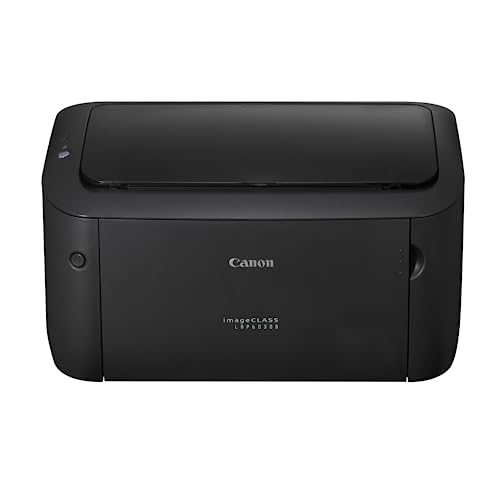
Canon imageCLASS LBP6030B Mono Printer, Windows, Mac, and Linux Support Online at Low Prices in India | Canon Reviews & Ratings
₹1,230 Cashback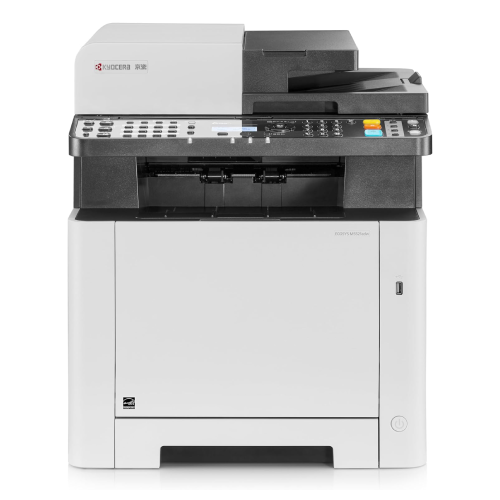
Kyocera Ecosys MA4500x – Heavy A4 Multifunctional Mono 45 pp
₹6,200 Cashback
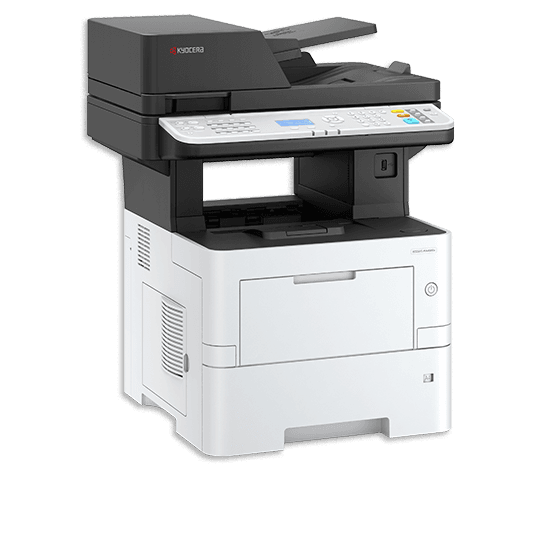
Kyocera TASKalfa MZ4000i A3 Monochrome Multifunction Photocopier
₹17,150 CashbackYou may also like
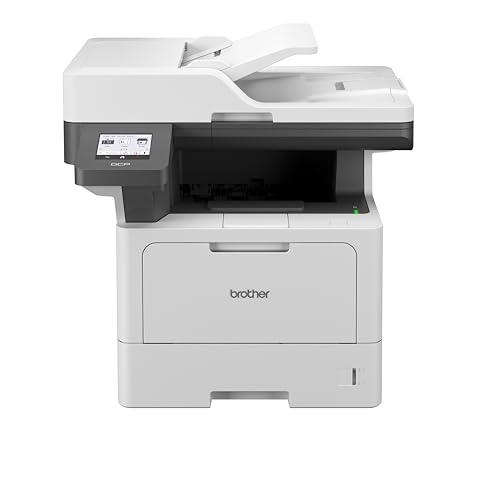
Brother DCP-B7600DB All-in-One Monochrome Laser Printer, USB & Auto Duplex, Affordable Printer for Business, LCD Display, 34 ppm Mono
₹1,710 Cashback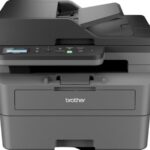
Brother DCP-L2640DW 2 in 1 (ID) Copy Button Auto Duplex Laser Printer, 34 PPM, Print Scan Copy, LCD Display, ADF, 256 MB Memory, (WiFi WiFi Direct LAN USB), 250 Sheet Paper Tray, Free Installation Online at Low Prices in India | Brother Reviews & Ratings
₹2,700 Cashback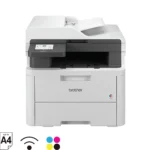
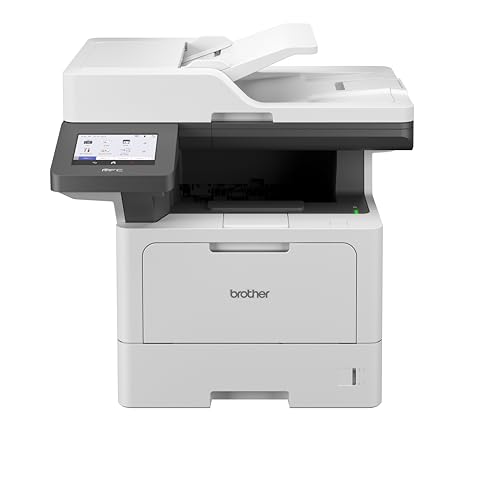
Brother DCP-L3560CDW (New Launch) Auto Duplex Color Laser LED Printer, ADF, Multifunction Print Scan Copy, 3.5 Inch TFT LCD Display, (Gigabit Ethernet WiFi Dual Band WiFi Direct), Free Installation
₹3,990 Cashback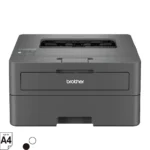
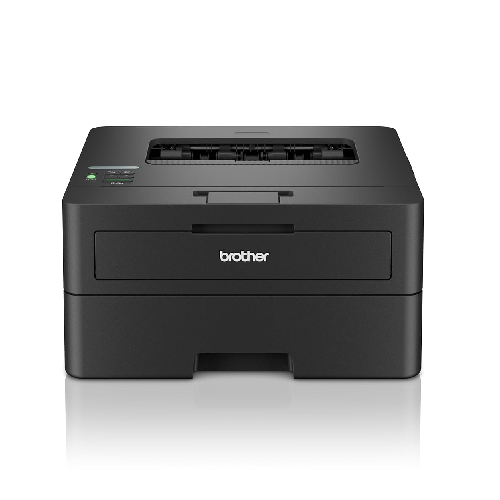
Brother HL-B2100DB Duplex Printer, Best For Home, Small Office With Affordable Toner
₹1,400 Cashback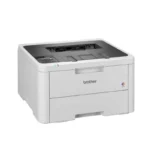
Brother HL-L3220CDW (New Launch) Automatic Duplex Color Laser LED Printer, 1 Line LCD Display
₹3,300 Cashback
Brother HL-L5000D Monochrome Laser Printer with Auto Duplex Printing
₹2,371 Cashback
Brother HL-L5210DW Auto Duplex Laser Monochrome Printer, 48 PPM Print Speed, LCD Display, 1 GB Memory, (WiFi WiFi Direct LAN USB), 250 Sheet Paper Tray, 11000 Pages Inbox Toner, White
₹3,400 Cashback
Canon imageClass MF272dw All in One Monochrome WiFi 29ppm Laser Printer with Duplex : Computers & Accessories
₹2,260 Cashback
Canon PIXMA MegaTank G1730 Single Function (Print only) Inktank Color Printer with Small Size Ink Bottles for Home/Office : Computers & Accessories
₹890 Cashback
Canon PIXMA MegaTank G2010 All-in-One Ink Tank Colour Printer (Black) : Computers & Accessories
₹1,200 Cashback
Canon PIXMA MegaTank G3010 All-in-One Wireless Ink Tank Colour Printer Online at Low Prices in India | Canon Reviews & Ratings
₹1,400 Cashback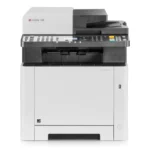
Kyocera ECOSYS M5521cdw, 22ppm Copy/Scan/Print/Fax Color Laser MFP. Standard 1200dpi, ADF, 5 Line LCD & Hard Key Control Panel, Duplex, Wireless & Wi-Fi Direct, USB, Gigabit Ethernet, 512MB Memory
₹5,800 CashbackFrom the manufacturer


| Brands | CanonCanon printers Canon PIXMA Canon imageCLASS Canon MAXIFY Canon photo printers Buy Canon printers online Canon laser printers Canon accessories Best Canon printer deals Canon cameras and camcorders |
|---|---|
| Color | Black |
| Connectivity | USB, WiFi, WiFi – Direct |
| Paper Size | A4 |
| Printer Features | Auto Duplex Printing |
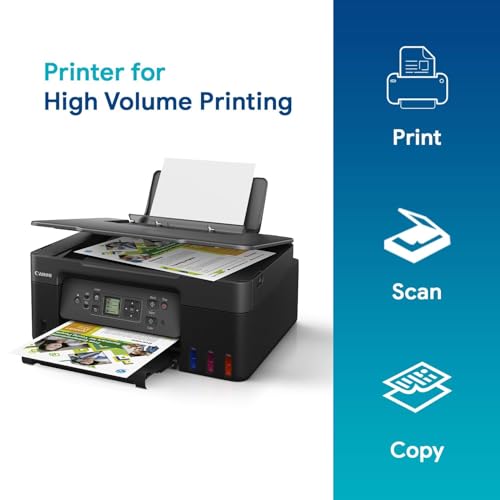
| Printer Functionality | All in One |
| printer Technology | Laser Printer |
| Printer Type | Colour |
| Products by Type | Printers |
9 reviews for Canon PIXMA MegaTank G3770 BK All-in-one WiFi Inktank Colour Printer with 2 Years Standard Warranty Online at Low Prices in India | Canon Reviews & Ratings
Clear filtersShop genuine Canon products online at Digitechshop, India’s trusted destination for inkjet printers, laser printers, multifunction printers, ink bottles, toner cartridges, documents scanners, and camera accessories. Canon is a globally leading brand known for its high-quality printing, imaging technology, durability, and advanced features.
From home printers to office multifunction machines and commercial printing devices, Canon offers reliable performance and outstanding print clarity. At Digitechshop, you get 100% original Canon products with manufacturer warranty, best-price offers, expert support, and fast delivery across India.
Whether you are a student, business owner, office user, or photography enthusiast, Canon delivers professional-grade solutions for all printing and imaging needs.
| Brand Name | Canon |
| Model Name | PIXMA |
| Model Number | G3770 |
| Box Contents | Ink Bottles |
| Model Series | PIXMA |
| Best Sellers Rank | #4,373 in Computers & Accessories #21 in Inkjet Printers |
| Importer Contact Information | Canon India Pvt Limited, 214-218, 2nd floor, Narain Manzil, Barakhamba Road, Connaught Place, New Delhi-110001, India |
| Item Type Name | Multifunction Printer |
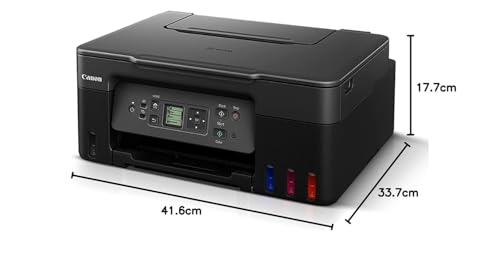
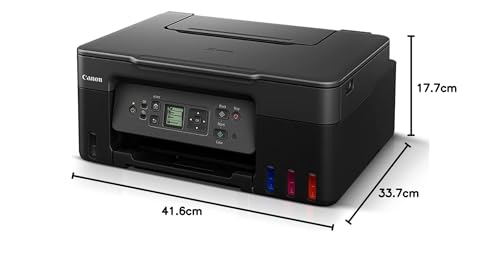
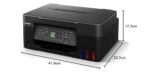
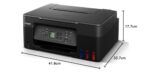
| Item Height | 17.7 Centimeters |
| Manufacturer | Canon Inc, 3-30-2, Shimomaruko, Ohta-ku, Tokyo 146-8501, Japan |
| Manufacturer Contact Information | 3-30-2, Shimomaruko, Ohta-ku, Tokyo 146-8501, Japan |
Best Seller

Black Ink Bottle – 003 – 65 ml
₹40 Cashback Original price was: ₹404.₹399Current price is: ₹399. (incl. of all taxes)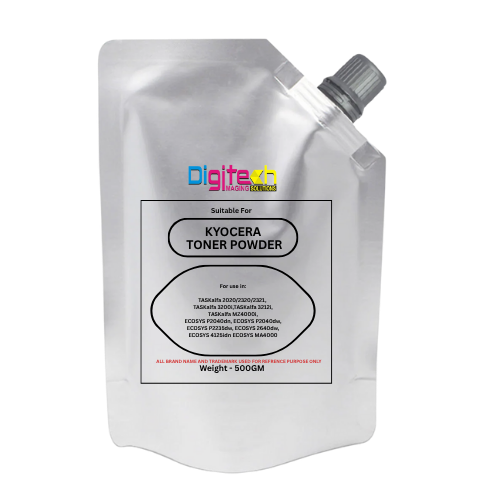
Kyocera Universal Toner
₹65 Cashback Original price was: ₹1,200.₹649Current price is: ₹649. (incl. of all taxes)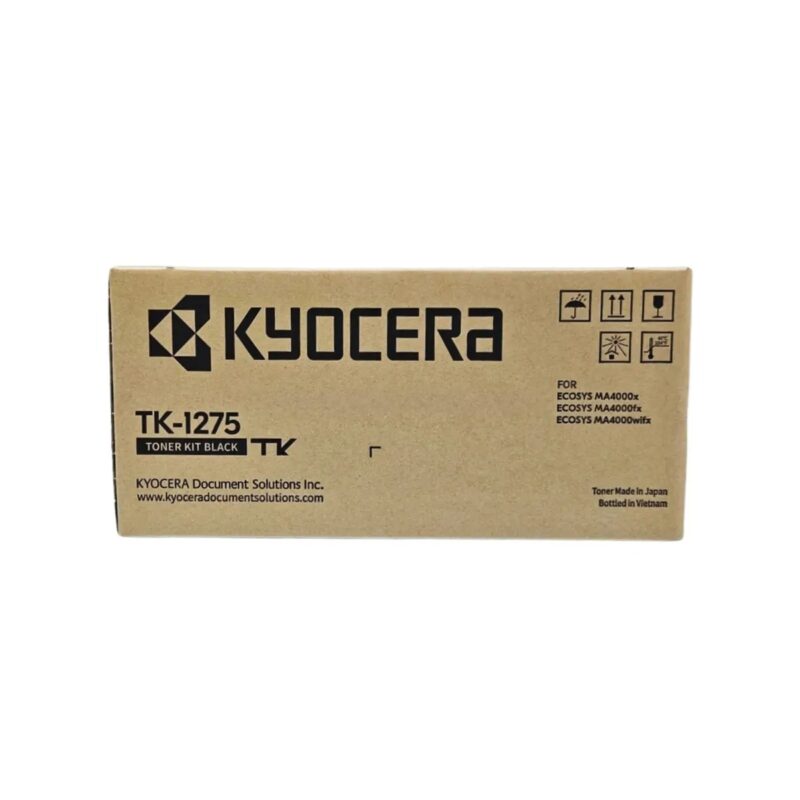
Kyocera TK-1275 Original Toner Cartridge for ECOSYS MA4000x/MA4000fx/MA4000wifx – 7200 Pages Yield
₹250 Cashback Original price was: ₹22,650.₹2,499Current price is: ₹2,499. (incl. of all taxes)
Epson 005 120 ml Black Ink Bottle, Compatible with M1100/M1120/M2140 Printer Models
₹85 Cashback Original price was: ₹899.₹849Current price is: ₹849. (incl. of all taxes)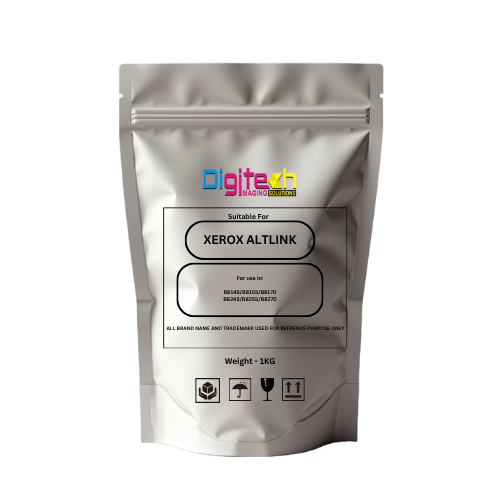
Xerox AltaLink Toner Pouch – Compatible with B8145 / B8155 / B8170 / B8245 / B8255 / B8270
₹143 Cashback Original price was: ₹2,999.₹1,429Current price is: ₹1,429. (incl. of all taxes)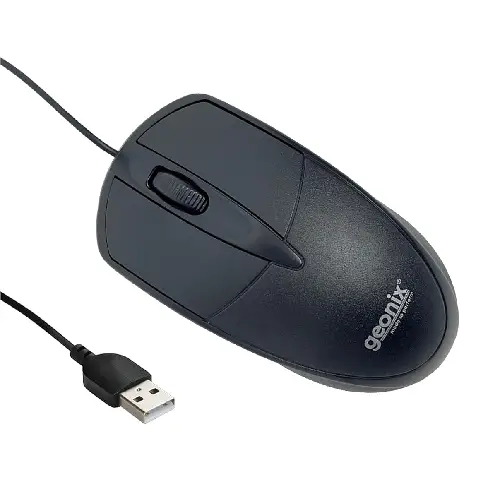
GEONIX GXBM-01 Wired Optical Mouse – USB 2.0, Ambidextrous Design
₹10 Cashback Original price was: ₹599.₹99Current price is: ₹99. (incl. of all taxes)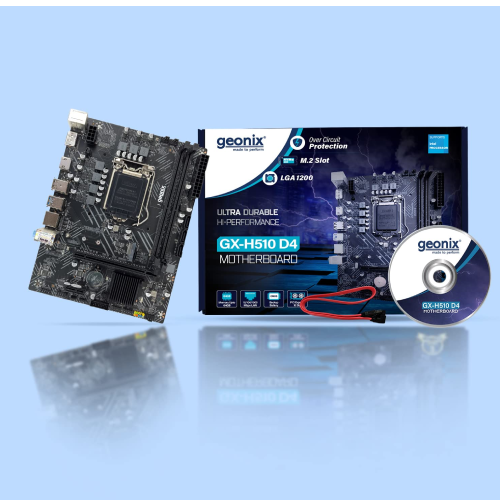
Geonix GX-H110 D4 LGA 1151 DDR4 Motherboard – M.2 Slot | Intel 6th & 7th Gen CPU Support
₹300 Cashback Original price was: ₹7,999.₹2,999Current price is: ₹2,999. (incl. of all taxes)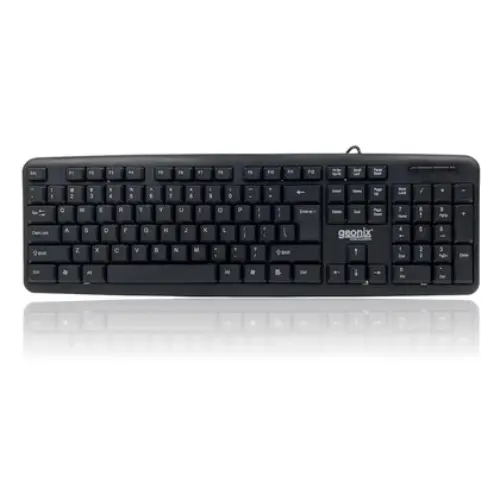
GEONIX Wired Computer Keyboard, Basic Black Keyboard with 1.5 Metre USB A Cable, 104 keys, Foldable Stands, Compatible for Windows, PC, Laptop 1 Yr Mfg Warranty
₹16 Cashback Original price was: ₹799.₹159Current price is: ₹159. (incl. of all taxes)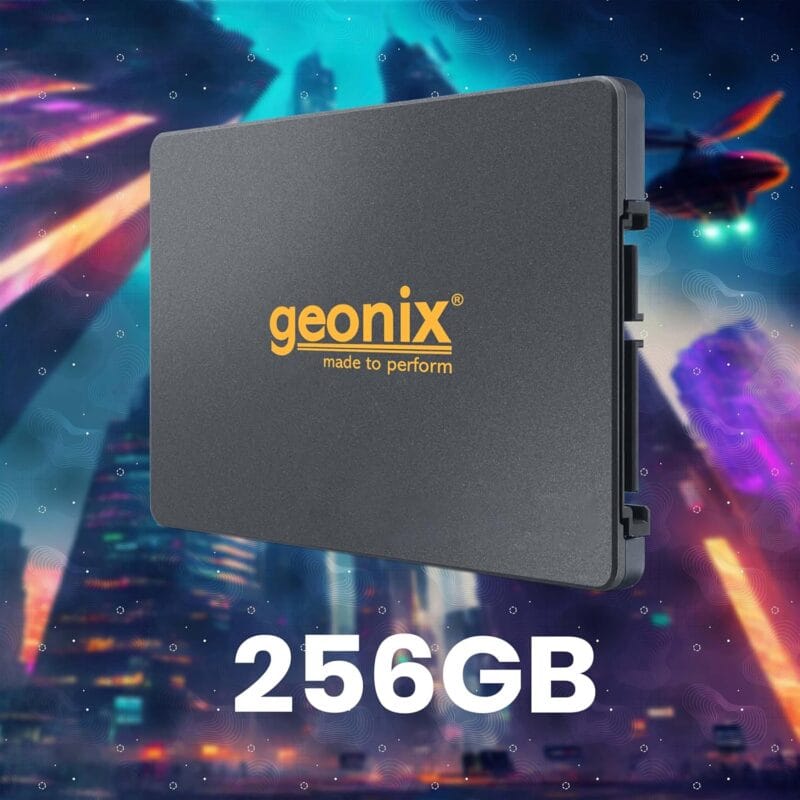
GEONIX SATA 2.5″ 256GB Internal Solid State Drive6Gb/s | Fast Performance | Read/Write Speed Upto – 570/500 MB/s | Quad Channel Controller Compatible with PC and Laptop | 5 Years Warranty.
₹430 Cashback Original price was: ₹6,999.₹4,299Current price is: ₹4,299.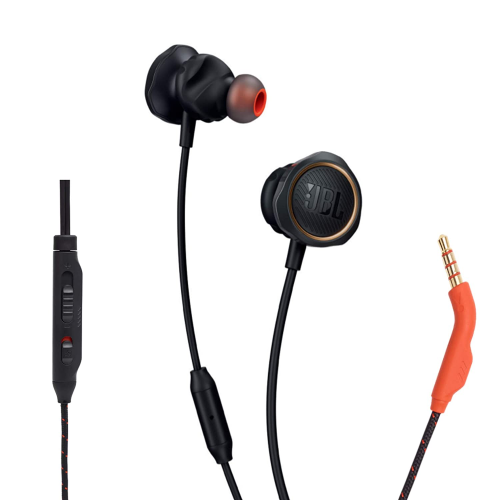
JBL Quantum 50 Black Wired Gaming Earphones – 6mm Driver | Hands-Free Calls | Secure Fit
₹50 Cashback Original price was: ₹2,499.₹499Current price is: ₹499. (incl. of all taxes)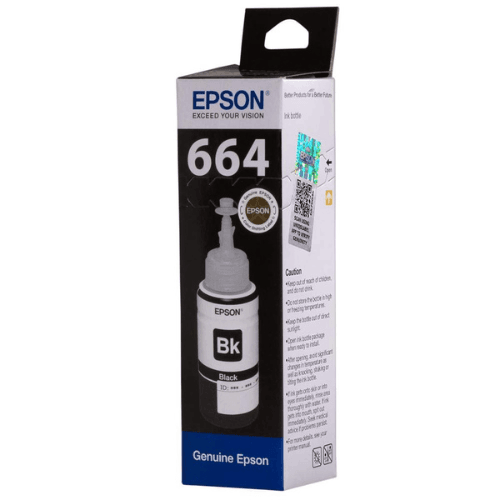
Epson 664 Black Original Ink Bottle
₹40 Cashback Original price was: ₹404.₹399Current price is: ₹399. (incl. of all taxes)














Ra Ja –
Value for money
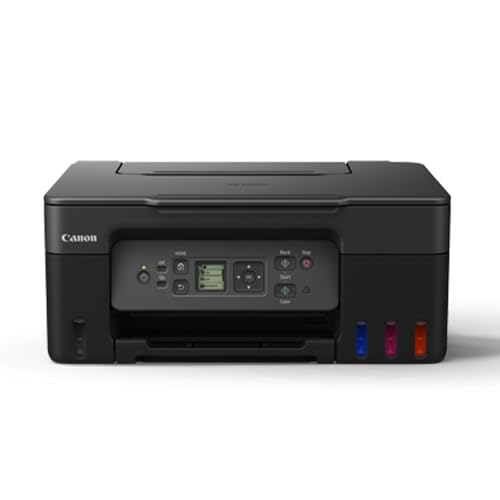
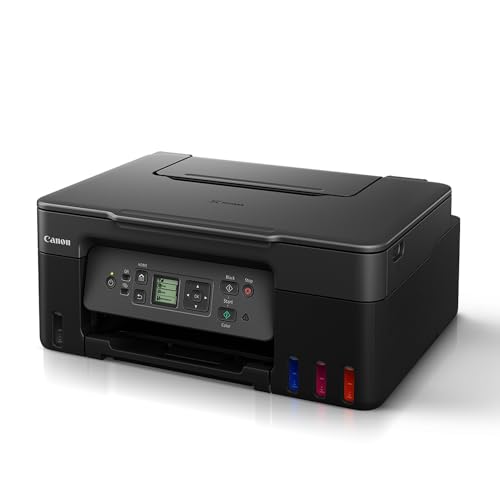
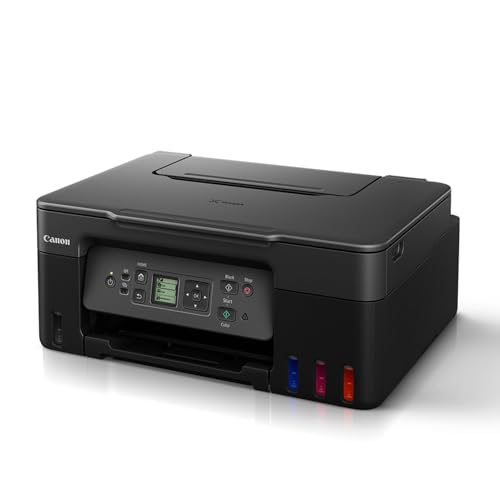
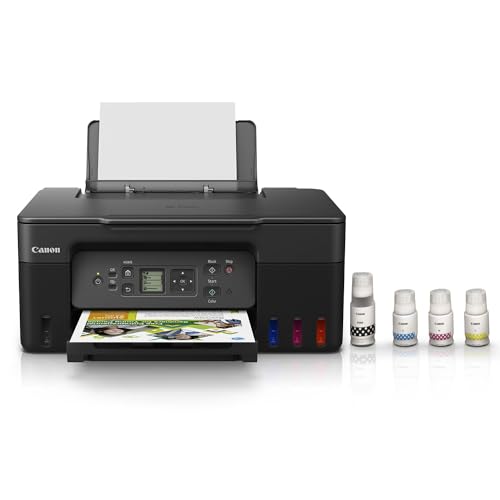
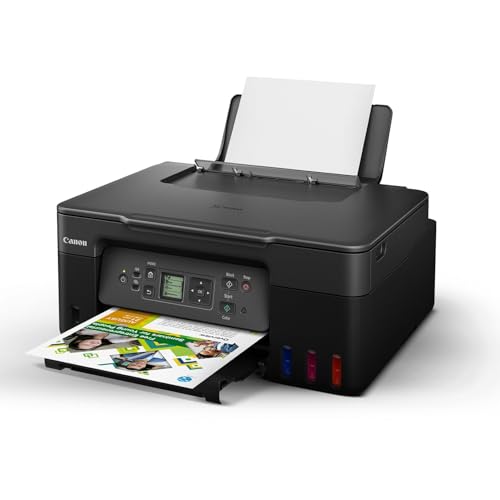
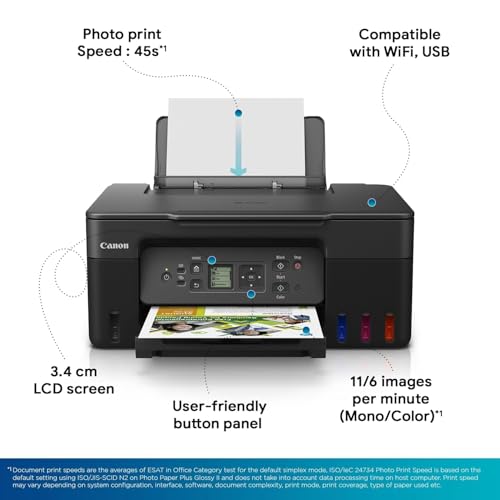
Package:Got this printer delivered with default Canon packaging. (Expected to have additional package from Amazon)Model:This is the latest Pixma G series laptop from Canon released on 2023.Other similar models Pixma G3770, G3730, G2770, G2730, G4770 are all same with slight difference in feature as below. 1. The difference between Gxx70 & Gxx30 is just a display. 2. G37xx has wifi. 3. G27xx doesnt have wifi. 4. G4770 has additional feature of “Auto Document Feeder” which is useful for those who scans document very frequently.Lets look about the G3770 printer which I have purchased and got delivered.Unboxing is easy.They have provided installation CD (Which is no need as we can download drivers from online itself), Usb type-A cable, Power cable, 2 print heads (each – black, color), Ink bottle (Black, Cyan, Magenta, Yellow)Note: Printer doesnt have ethernet socket.If you are looking for guided setup then use the below link for printer setup guide.https://ij.start.canon/G3770Refilling the ink without spillage and fixing the print header is very easy.Easy to configure this printer. I’m using it by connecting with my home router directly so that print can be done from any laptop/mobile by connecting to home network. I did this by using the buttons and display provided in printer without using laptop/mobile.The inbuilt display in printer is a value added. It is compact, Easy to read text and it does have back LED light so easy to use at anytime.Firmware gets update immediately once connected to network.Print quality is very good for both B&W, Color in normal A4 sheet.Printer speed is decent for the inktank printer. Dont expect it to behave like laser printer.Scanner speed is ok for home.For photo, I tried taking print by choosing paper type as “Gloss photo paper” in settings and used “Bambalio BPG 180-50 (Classic) Glossy Photo Paper, 180 gsm” paper. Images got printed without any blur, but when I compare the printout with the original image from laptop screen, there is some difference. So I would rate 8/10.May be using some other Gloss Photo paper or playing with settings in Canon Photo Print application in laptop may increase the output quality better. – However, I’m yet to test with other brand papers & settings.Since it is InkTank printer, Power consumption is very low. So I can connect with home inverter and use it even during power cut. No need to worry about Inverter load. This is greater advantage when compared to laser printer. Because laser printer consumes around 400-600watts and this one will consume around 15-30 watts.Note: Dont forget to poweroff using the power switch in the printer before you turning off the plug point. Else, It will show error message when you turn on next time.
75 people found this helpful
MohammedMahaboob AliKhan –
Great printer for small tasks
Not meant for heavy duty. Have to print 15-20 pages at a time in batches. Can’t print 100 pages in one go. If try to print, it skips pages. Remaining all very good. Quality of print is good. Printer functions are also very good. Just don’t print many pages at once.
2 people found this helpful
Z KZ K –
Feature-Packed Printer with Superb Print Quality
Before purchasing the Canon PIXMA MegaTank G3770, I read a lot of reviews comparing Canon and Epson printers. After careful consideration, I decided to go with this model, and I am glad I did!The installation was easy and straightforward. The maroonish-red color of the printer is stunning and adds a nice touch to my workspace. This printer is loaded with features: it’s an all-in-one device with WiFi support, and it works seamlessly with multiple apps on Mac, Windows, Android, and iOS devices. The touch control on the printer is another great feature, it’s so convenient and easy to use.I’ve been using it for a few weeks now to print photos on 270GSM Kodak super glossy paper, and the print quality is superb, sharp and vibrant. I’m also cautious about ink wastage, so I haven’t filled all the ink bottles completely. However, I’ve noticed that it uses ink very efficiently during home use, which is a big plus.The 2-year Canon warranty is reassuring, and the price I got this for was great. The seller, Appario, is reputable and has been around for a long time, I’ve bought almost all my electronics from them on either Flipkart or Amazon.The only minor downside is the build quality, which feels a bit plasticky. But since it’s a printer that doesn’t need to be moved around often, it’s not a significant issue. As for the JBL offer mentioned in other reviews, it does seem like a bit of a hassle, but that’s more of an additional perk than a necessity.I’m very satisfied with this printer and would definitely recommend it to others!
11 people found this helpful
Avinash –
Very nice printer
Very nice print quality for affordable price. Print even papers and then flip the papers to print odd papers for double sided print.
Sivakumar –
Versatile and budget-friendly all-in-one ink tank printer, good for home use
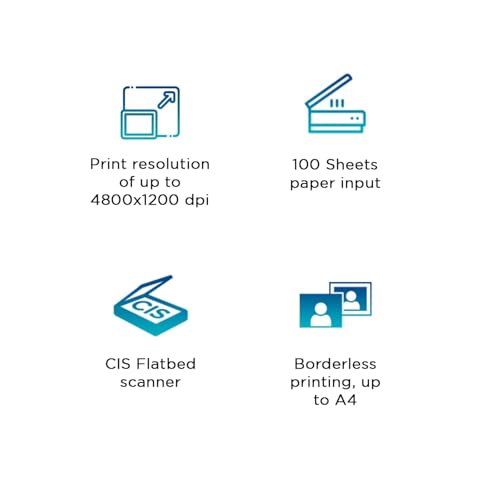
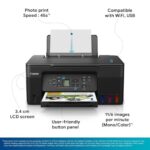
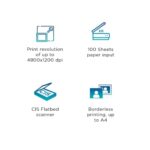
The Canon PIXMA MegaTank G3770 is a versatile and budget-friendly all-in-one ink tank printer designed for home and small office use. Here are its key strengths and drawbacks:Strengths:Low Cost of Ownership: The MegaTank system offers very high page yields, making it cost-efficient for users who need to print in bulk. For example, the black ink bottle can yield up to 6,000 pages, and the color bottles can yield around 7,700 pages(Pokde.Net)(Canon India).Wi-Fi and Mobile Connectivity: It supports wireless printing via Wi-Fi, AirPrint, and the Canon PRINT app, making it easy to print from smartphones, tablets, and laptops(Canon).Multi-functionality: The G3770 combines printing, scanning, and copying in a compact form factor. It’s useful for varied tasks in both home and small office environments(Pokde.Net).Borderless Photo Printing: The printer is capable of borderless photo printing, which is ideal for those who need vibrant, edge-to-edge prints(Flipkart).Weaknesses:Color Print Quality: The color prints are somewhat washed out, and the printer may struggle with very high-quality photo printing, showing visible gaps between lines(Pokde.Net).No Duplex Printing: The G3770 lacks automatic duplex printing, so users need to manually flip pages for double-sided printing(Pokde.Net)(Flipkart).Small Display: The 1.35-inch monochrome display may be limiting for some users, especially compared to larger, more intuitive touchscreens available on other models(Pokde.Net).Overall, the Canon PIXMA G3770 is best suited for users prioritizing affordability and volume printing, with some trade-offs in print quality and advanced features like duplex printing.
4 people found this helpful
Rajan Sandewar –
No one came for installation however product is okay.
Item is okay.. But no one came for installation
Manish –
Good printer
Nice product challenge in connection with laptop…
rai vipul –
Go for it
Nice one
Nipun –
Photo quality
Colour print quality not that good, specially for photo prints with high resolution.