


You may also like
Canon PIXMA G3010 All-in-One InkTank WiFi Printer Print | Scan | Copy
₹1,430 Cashback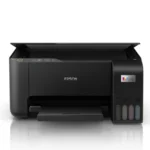
Epson EcoTank L1250 Single Function WiFi Color Ink Tank Printer (Color Page Cost: 24 Paise | Black Page Cost: 9 Paise) (4 Ink Bottles Included)
₹1,369 Cashback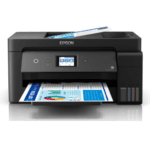
Epson EcoTank L14150 All-in-One Colour Ink Tank Printer, Wi-Fi, A3+, ADF & Auto Duplex, For Business Use, 38ppm Mono and 24ppm Color, Black
₹4,800 Cashback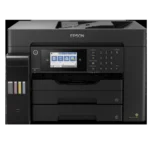
Epson EcoTank L15160: A3+ Printing & Cost Efficiency Duplex
₹8,600 Cashback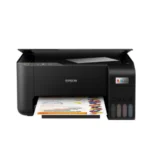
Epson Ecotank L3210 Black All-In-One Colour Ink Tank Printer with USB Connectivity
₹1,230 Cashback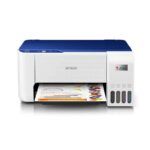
Epson EcoTank L3215 All-In-One Colour Ink Tank Printer with USB Connectivity
₹1,264 Cashback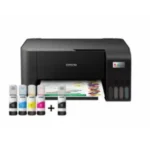
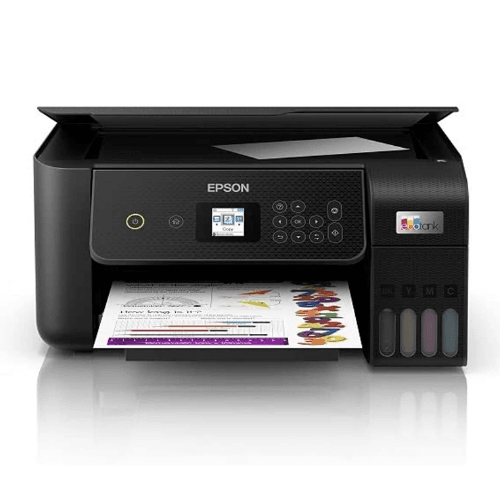
Epson EcoTank L3250 All-in-One Color Ink Tank Printer, Wi-Fi, For Home Use, Low Cost Printing, 33ppm Mono and 15ppm Color, Black
₹1,430 Cashback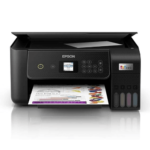
Epson Ecotank L3260 A4 Wi-Fi All-in-One Wireless Colour Solid Ink Printers, Black
₹1,633 Cashback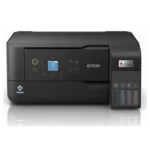
Epson EcoTank L5290 A4 Wi-Fi All-in-One Colour Ink Tank Printer with ADF
₹2,100 Cashback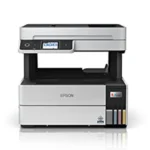
Epson Ecotank L6460 A4 Wi-Fi All-in-One Colour Ink Tank Printer with ADF & Duplex
₹2,860 Cashback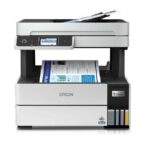
Epson Ecotank L6490 White A4 Wi-Fi All-in-One Colour Ink Tank Printer with ADF & Duplex
₹3,040 Cashback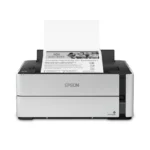
Epson EcoTank Monochrome M1180 Wi-Fi InkTank Printer
₹1,900 Cashback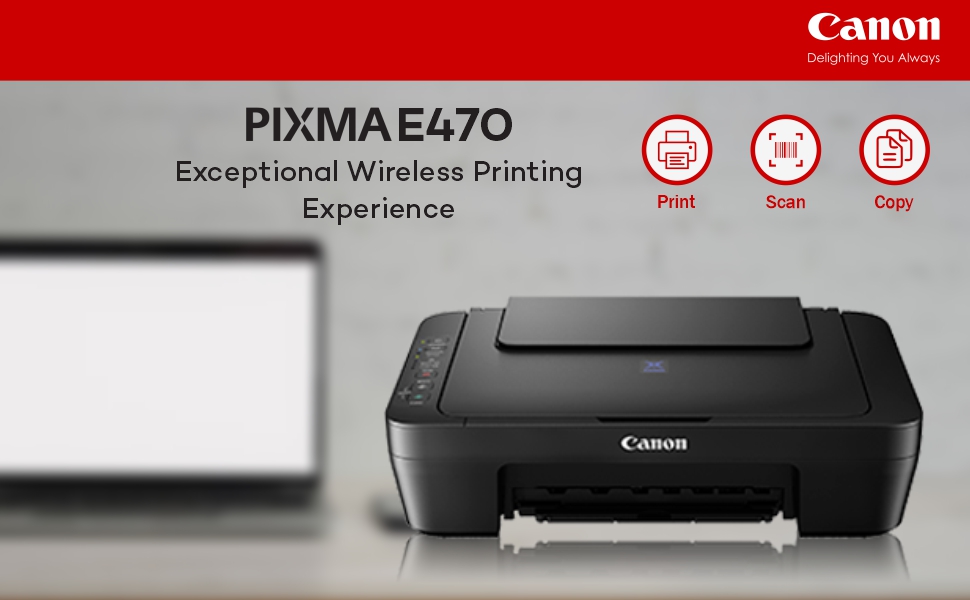

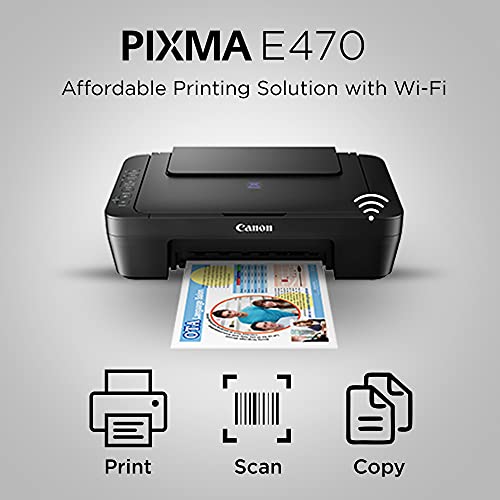
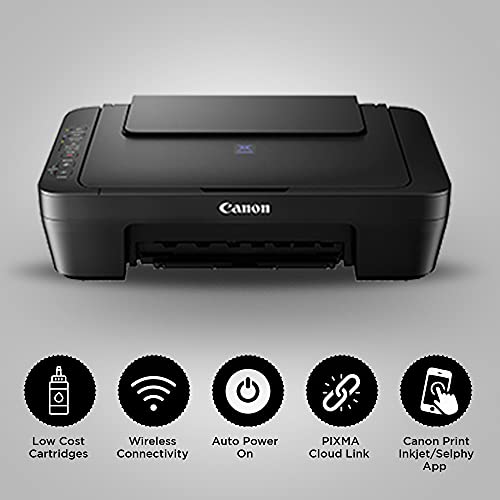
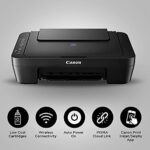
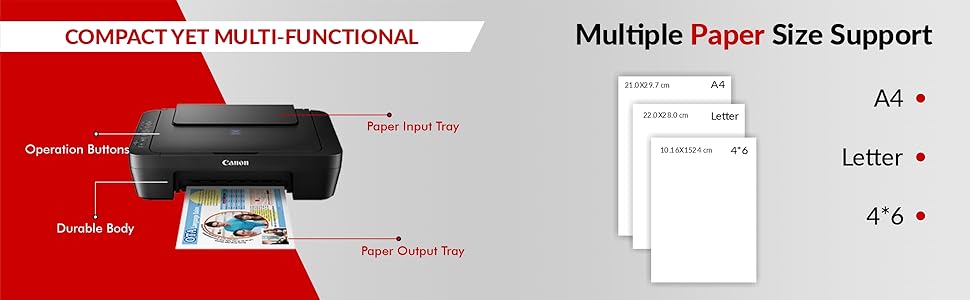
The printer comes with efficient and pocket friendly ink cartridge for high-quality printing.

Enjoy easy wireless setup, printing and scanning with this free app. Also allows you to monitor ink level status and setup cloud services remotely.

Auto Power ON detects print command and automatically switches the printer on for use with a USB connection.

Print, scan, and perform printer operations with ease, without the need to be tethered to a PC via USB.

PIXMA CLOUD LINK
With PIXMA Cloud Link*, you can print from popular online services like Facebook, Twitter, Flickr, Evernote, and Dropbox. Now you can also Scan to Email and Attach to Webmail services like Google and Yahoo.
PIXMA Cloud Link scan-related applications are applicable to users that use genuine Canon ink cartridges.
| Brands | CanonCanon printers Canon PIXMA Canon imageCLASS Canon MAXIFY Canon photo printers Buy Canon printers online Canon laser printers Canon accessories Best Canon printer deals Canon cameras and camcorders |
|---|---|
| Color | Black |
| Connectivity | Ethernet, USB |
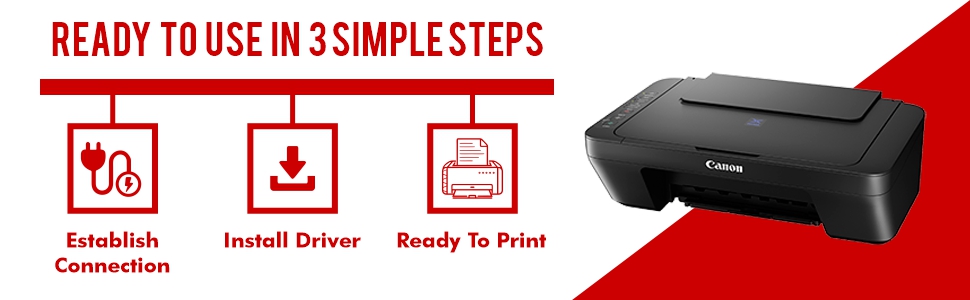
| Paper Size | A4 |
| Printer Features | Auto Duplex Printing |
| printer Technology | inkjet printer |
| Printer Functionality | All in One |
| Printer Type | Colour |
| Products by Type | Printers |
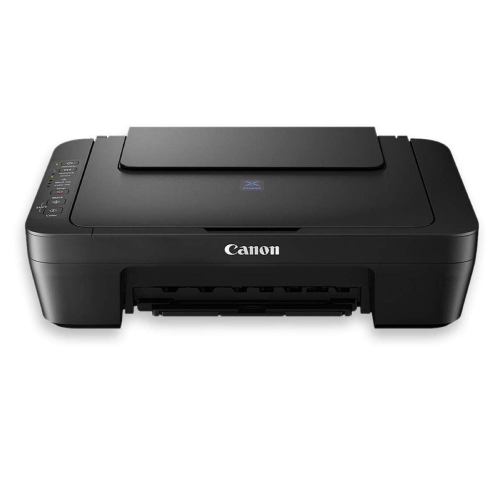
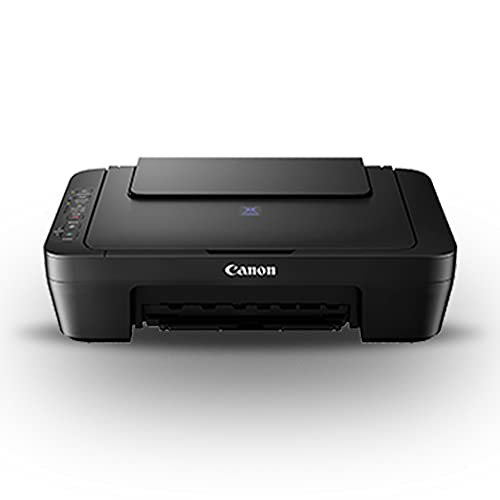
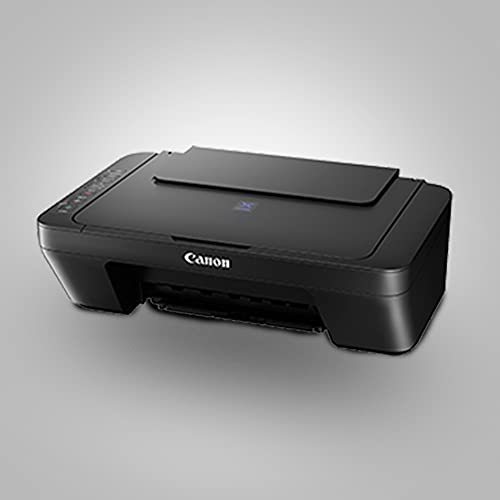
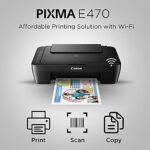
10 reviews for Canon PIXMA E470 All in One (Print, Scan, Copy) WiFi Ink Efficient Colour Printer for Home Computers & Accessories
Clear filtersShop genuine Canon products online at Digitechshop, India’s trusted destination for inkjet printers, laser printers, multifunction printers, ink bottles, toner cartridges, documents scanners, and camera accessories. Canon is a globally leading brand known for its high-quality printing, imaging technology, durability, and advanced features.
From home printers to office multifunction machines and commercial printing devices, Canon offers reliable performance and outstanding print clarity. At Digitechshop, you get 100% original Canon products with manufacturer warranty, best-price offers, expert support, and fast delivery across India.
Whether you are a student, business owner, office user, or photography enthusiast, Canon delivers professional-grade solutions for all printing and imaging needs.
| Brand Name | Canon |
|---|---|
| Model Name | Pixma |
| Model Number | E470 |
| Box Contents | Printer, Cartridge Set |
| Model Series | Pixma |
| Best Sellers Rank | #67 in Computers & Accessories#1 in Ink Cartridge Printers |
| Importer Contact Information | Canon India Pvt Limited, 214-218, 2nd Floor, Narain Manzil, Barakhamba Road, Connaught Place, New Delhi-110001, India |
| Item Type Name | Inkjet Printer |
| Country of Origin | Vietnam |
| Item Height | 14.5 Centimeters |
| Manufacturer | Canon Inc., For any product related queries, kindly contact Canon brand customer care on: 1800 180 3366 / 1800 208 3366 (8:30am–5:30pm) |
| Manufacturer Contact Information | For any product related queries, kindly contact Canon brand customer care on: 1800 180 3366 / 1800 208 3366 (8:30am–5:30pm) |
Best Seller

Black Ink Bottle – 003 – 65 ml
₹40 Cashback Original price was: ₹404.₹399Current price is: ₹399. (incl. of all taxes)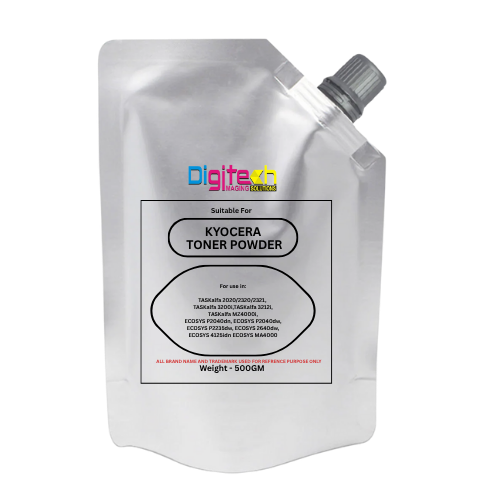
Kyocera Universal Toner
₹65 Cashback Original price was: ₹1,200.₹649Current price is: ₹649. (incl. of all taxes)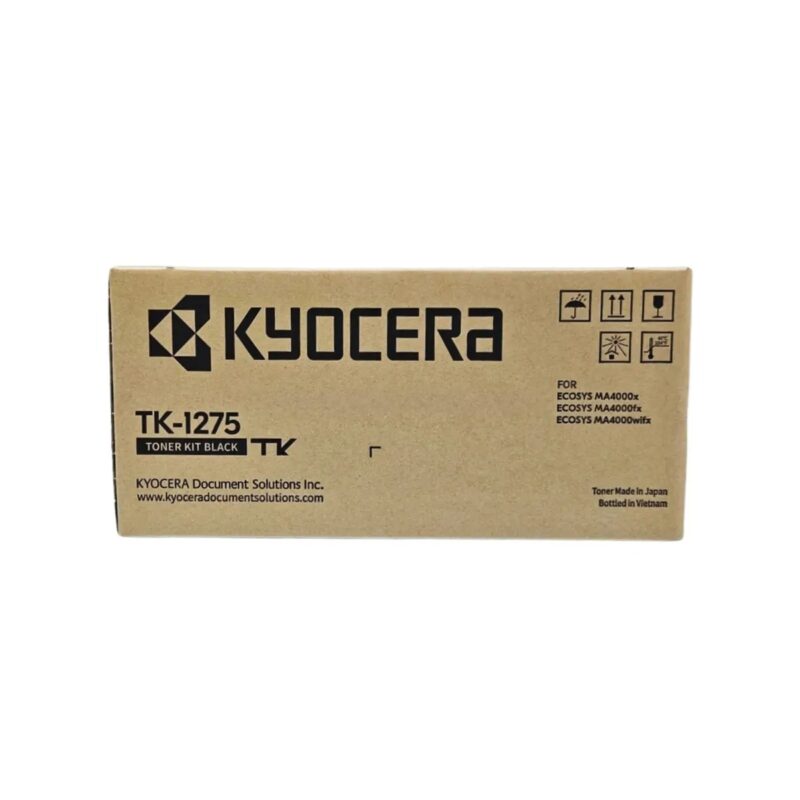
Kyocera TK-1275 Original Toner Cartridge for ECOSYS MA4000x/MA4000fx/MA4000wifx – 7200 Pages Yield
₹250 Cashback Original price was: ₹22,650.₹2,499Current price is: ₹2,499. (incl. of all taxes)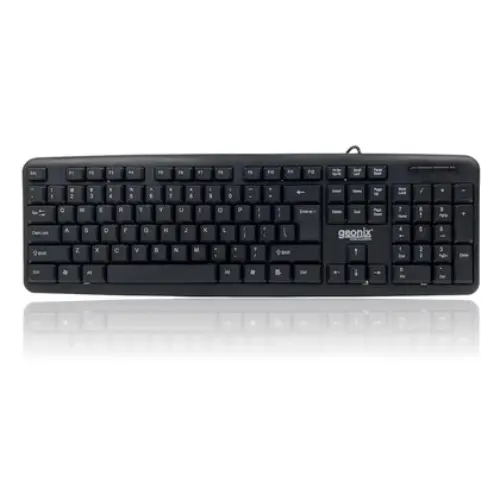
GEONIX Wired Computer Keyboard, Basic Black Keyboard with 1.5 Metre USB A Cable, 104 keys, Foldable Stands, Compatible for Windows, PC, Laptop 1 Yr Mfg Warranty
₹16 Cashback Original price was: ₹799.₹159Current price is: ₹159. (incl. of all taxes)
Epson 005 120 ml Black Ink Bottle, Compatible with M1100/M1120/M2140 Printer Models
₹85 Cashback Original price was: ₹899.₹849Current price is: ₹849. (incl. of all taxes)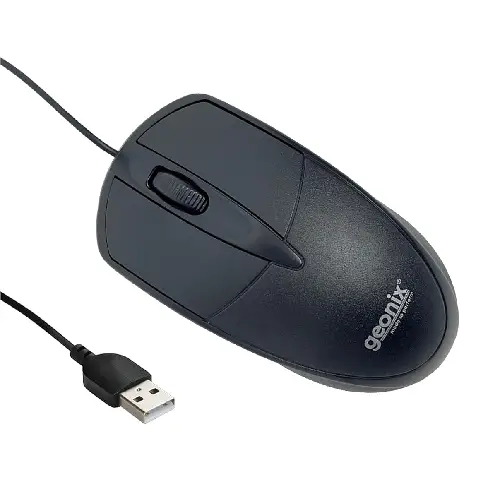
GEONIX GXBM-01 Wired Optical Mouse – USB 2.0, Ambidextrous Design
₹10 Cashback Original price was: ₹599.₹99Current price is: ₹99. (incl. of all taxes)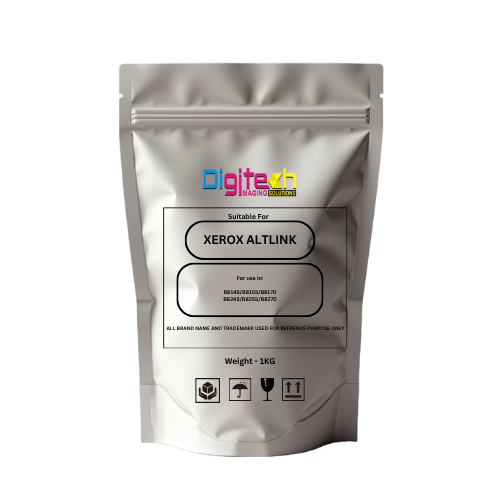
Xerox AltaLink Toner Pouch – Compatible with B8145 / B8155 / B8170 / B8245 / B8255 / B8270
₹150 Cashback Original price was: ₹2,999.₹1,499Current price is: ₹1,499. (incl. of all taxes)
Geonix GX-H110 D4 LGA 1151 DDR4 Motherboard – M.2 Slot | Intel 6th & 7th Gen CPU Support
₹300 Cashback Original price was: ₹7,999.₹2,999Current price is: ₹2,999. (incl. of all taxes)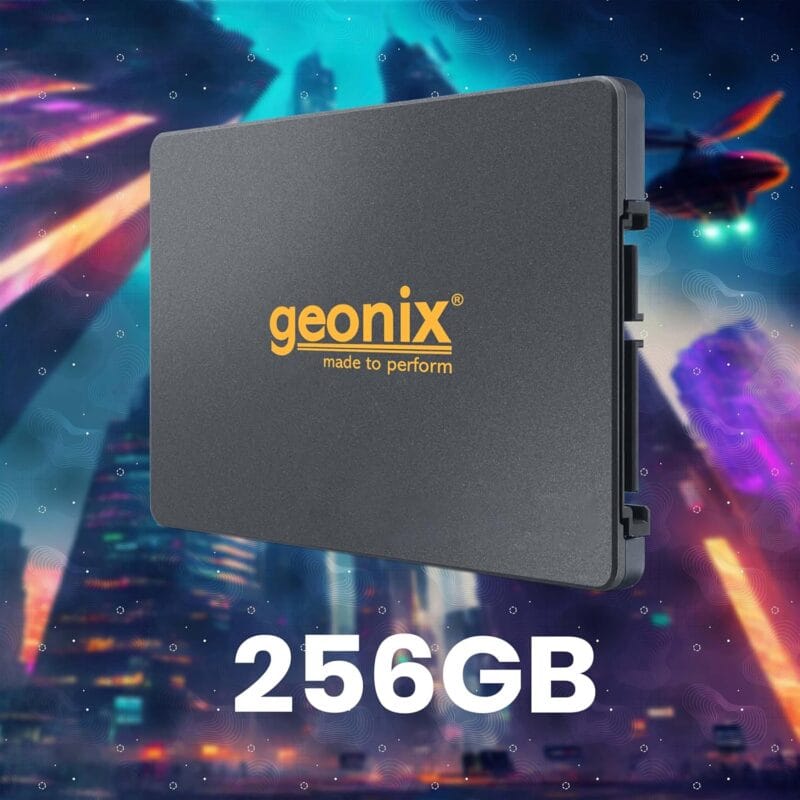
GEONIX SATA 2.5″ 256GB Internal Solid State Drive6Gb/s | Fast Performance | Read/Write Speed Upto – 570/500 MB/s | Quad Channel Controller Compatible with PC and Laptop | 5 Years Warranty.
₹430 Cashback Original price was: ₹6,999.₹4,299Current price is: ₹4,299.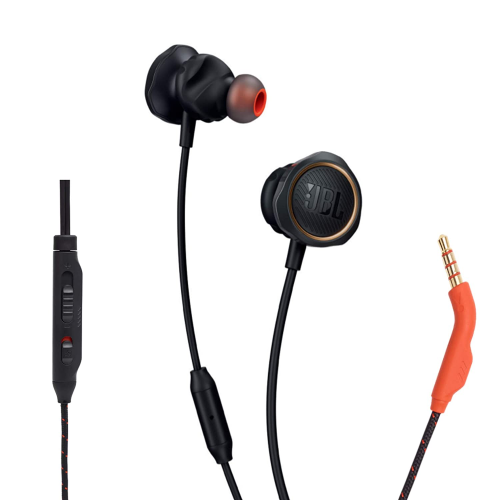
JBL Quantum 50 Black Wired Gaming Earphones – 6mm Driver | Hands-Free Calls | Secure Fit
₹50 Cashback Original price was: ₹2,499.₹499Current price is: ₹499. (incl. of all taxes)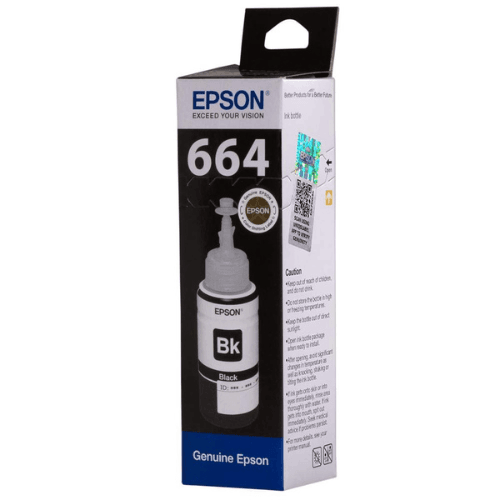
Epson 664 Black Original Ink Bottle
₹40 Cashback Original price was: ₹404.₹399Current price is: ₹399. (incl. of all taxes)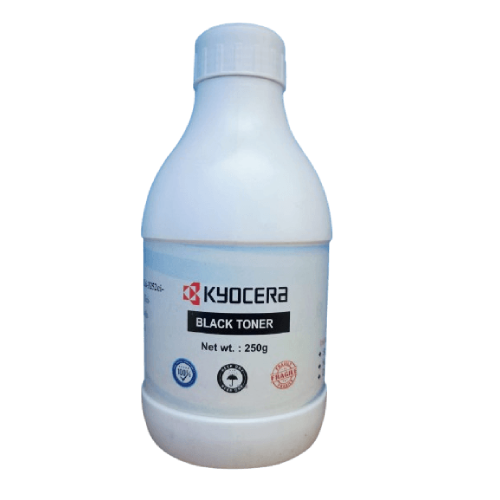














Digitechshop Customer –
Very good product, set up & functions @ this price
Kindly don’t go by negative reviews. Product is excellent & installation is equally easy as well. There are several YouTube channels which precisely show step by step on installation process.Received the product on time & in good condition. The cartridges were properly sealed & no foul play on ink being misused. The print quality is very good . And worked with WiFi & with cable with no Lags. The print time is equally good as well.Will get to know in a few months on how vmany prints come through in black & color. Do far good. The only drawback is on the cost of cartridge which is expensive. Not sure how effective the refilling cost & quality
39 people found this helpful
AADITYA CHOUKSEAADITYA CHOUKSE –
⭐ Canon Pixma E477 – Honest Review (After My Use)
recently purchased the Canon Pixma E477, and here’s my honest opinion:✔ Good Points:It’s a very good printer for students and study purposes.Budget-friendly and gets the job done for basic printing.You can print photos, and the quality is decent for a normal printer (but don’t expect high-end photo printer quality).✘ Bad Points:Very weak in connectivity.I was not able to connect it to my laptop via Wi-Fi, so I had to use a USB cable every time. This is quite disappointing.📝 Final Verdict: If your budget is tight, you can buy it.But if you can increase your budget, I strongly recommend going for an Ink Tank photo printer — they are better for long-term use, cheaper per print, and give much better photo quality.
19 people found this helpful
Varun –
Good option for the price
Works quite well. I have been using it for the past 2 weeks and the quality of the print is good. The speed is a bit slow but it can be increased by switching to draft mode. Overall if you have occasional printing needs and don’t want to go to the print shop or cybercafe this is a really good option.
2 people found this helpful
Samadhan Kadam –
Good product
In first attempt installation was done successfully and printout quality as well best. For now satisfied with product .Documentation is very clear to installation process .
One person found this helpful
Rohan shaw –
Bit slow but print quality superb.
Nice print quality, little bit slow but works well. Ink cartridge is expensive and due to hd printing, ink loosing more from cartridge.
2 people found this helpful
Rahul SR –
Best purchase
Best printer ever. Budget friendly and user friendly. Easy to install and use in a click. Printing from mobile, pc, laptop is possible
Jiwachh Ram –
V good
Good
Pururaj –
Nice product,
but as for high quality pictures it consume more ink
Amazon Customer –
Very good product, set up & functions @ this price
Kindly don’t go by negative reviews. Product is excellent & installation is equally easy as well. There are several YouTube channels which precisely show step by step on installation process.Received the product on time & in good condition. The cartridges were properly sealed & no foul play on ink being misused. The print quality is very good . And worked with WiFi & with cable with no Lags. The print time is equally good as well.Will get to know in a few months on how vmany prints come through in black & color. Do far good. The only drawback is on the cost of cartridge which is expensive. Not sure how effective the refilling cost & quality
39 people found this helpful
AADITYA CHOUKSEAADITYA CHOUKSE –
⭐ Canon Pixma E477 – Honest Review (After My Use)
recently purchased the Canon Pixma E477, and here’s my honest opinion:✔ Good Points:It’s a very good printer for students and study purposes.Budget-friendly and gets the job done for basic printing.You can print photos, and the quality is decent for a normal printer (but don’t expect high-end photo printer quality).✘ Bad Points:Very weak in connectivity.I was not able to connect it to my laptop via Wi-Fi, so I had to use a USB cable every time. This is quite disappointing.📝 Final Verdict: If your budget is tight, you can buy it.But if you can increase your budget, I strongly recommend going for an Ink Tank photo printer — they are better for long-term use, cheaper per print, and give much better photo quality.
19 people found this helpful